How to Tell If Someone Restricted You (2026)
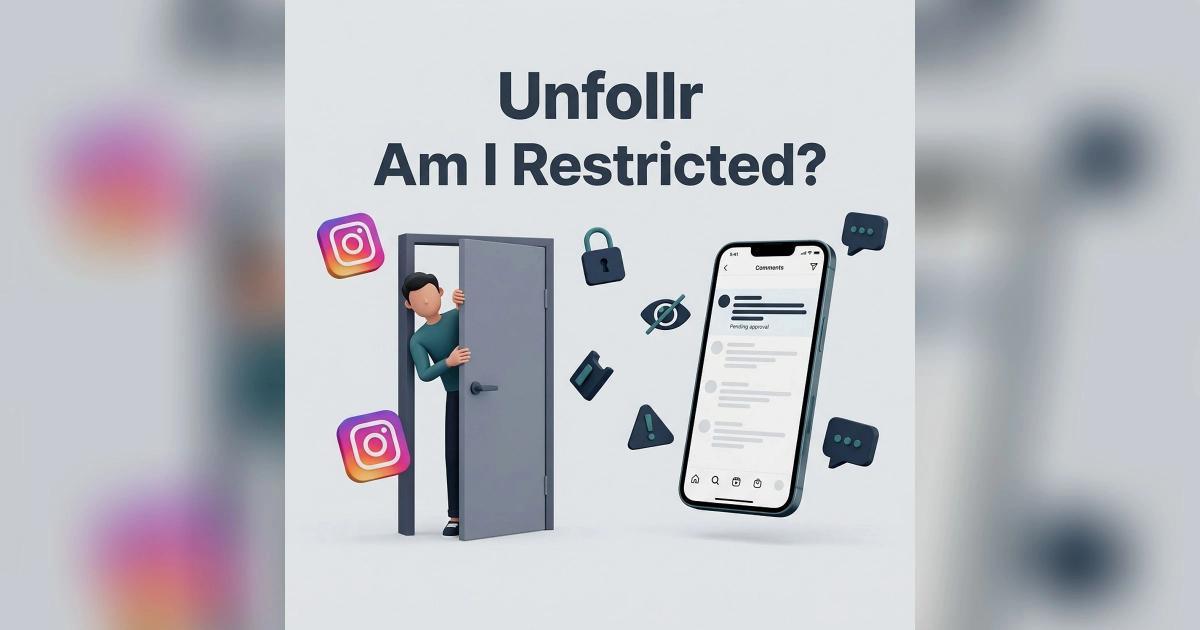
To tell if someone restricted you on Instagram in 2026, look for these signals: your comments on their posts only appear to you (not to others), you can't see when they're online or when they last logged in, your DMs to them go to their "message requests" folder instead of their main inbox, and they don't see typing indicators or read receipts from you. Restrict is Instagram's "soft block" — it limits your interactions without notifying you and without fully blocking access.
This guide covers every signal that you've been restricted, how restrict differs from mute and block, and what restricted users can and cannot do.
What Instagram Restrict Actually Does
Restrict was added in 2019 as a softer alternative to blocking, designed to handle harassment and bullying without notifying the offending user. By 2026 it's a standard moderation tool.
What Happens When You're Restricted
- Your comments on their posts are hidden from other viewers — only you and the post owner see them
- The post owner has to approve your comments for others to see (and they almost never do)
- Your DMs land in the "message requests" folder instead of their main inbox
- You can't see when they're online (their activity status is hidden from you)
- You can't see their typing indicator or know when they read your messages
- They don't get push notifications for your messages or comments
- Your interactions appear normal to you — Instagram does NOT tell you you're restricted
The whole point is silent. The restricted user doesn't know, can't easily verify it, and continues to engage as if everything is normal.
How to Tell If Someone Restricted You
Here are the signals, ranked from most reliable to least.
Signal 1: Your Comments Don't Get Replies
If you comment on a restricted user's posts repeatedly and they NEVER reply, while other commenters get replies regularly, that's the strongest signal. Your comment is hidden by default and they have to manually approve it to make it public.
How to test: Comment on 3 of their posts over a week. Check from a different account (or logged out) to see if your comments are visible.
If your comments don't appear from a logged-out browser, you've been restricted (or they manually deleted your comments, which is similar).
Signal 2: You Can't See Their Online Status
Open a DM thread with the user. Look for "Active now" or "Active 5m ago" under their name.
- If you used to see this and now don't → restrict signal
- If they have activity status off globally, you won't see it for anyone
To rule out the global setting, check if you can see other mutual friends' activity. If yes but not theirs → restricted.
Signal 3: No Read Receipts on Your DMs
Send them a DM. Wait. If you don't see "Seen" or "Read" appear, AND you used to see it before, that's a restrict signal.
- "Sent" but never "Seen" = restrict or they have read receipts off globally
- Previously "Seen" but now "Sent" only = restrict
Signal 4: No Typing Indicator
When the user is typing a reply to you, you should see "..." or a typing indicator. If this never appears anymore (and used to), restrict is likely.
Signal 5: Your DMs Get No Reply Despite Being Important
Restricted users often miss your messages entirely because the messages go to their "Message requests" folder. They don't get a notification, and the requests folder is rarely checked.
If urgent, time-sensitive messages go unanswered without explanation, restrict is plausible.
Signal 6: You Can Still See Everything Else
Crucially: a restrict does NOT hide their profile, posts, Stories, or activity from you. You can still:
- View their profile
- See their posts
- Watch their Stories
- See their followers and following lists
- Tag them in posts (the tag works)
If you can't see ANY of these, you've been blocked, not restricted. For block-specific signals, see our what happens when you block someone on Instagram guide.
Restrict vs Block vs Mute: Side-by-Side
The three are completely different and often confused.
| Feature | Restrict | Block | Mute |
|---|---|---|---|
| Other person notified | Never | Never directly, but obvious | Never |
| Can they see your profile | ✅ Yes | ❌ No | ✅ Yes |
| Can they message you | ✅ Yes (filtered) | ❌ No | ✅ Yes |
| Can they comment on your posts | ✅ Yes (hidden by default) | ❌ No | ✅ Yes |
| Do you see their content | ✅ Yes | ❌ No | ❌ No |
| Do you see their activity | ❌ No (you control this) | ❌ No | ✅ Yes |
| Best for | Silent harassment control | Hard cutoff | Decluttering your feed |
For the full comparison, see our Instagram mute vs block vs restrict guide.
What Restricted Users CAN Still Do
Despite being restricted, the user retains most normal functionality.
Still Possible
- View your profile, posts, Stories, Reels
- Like your posts (likes appear normally)
- Save your posts
- Share your posts
- Follow you (if not already)
- Tag you in posts and Stories
- Send you DMs (filtered to requests)
- Comment on posts (hidden by default)
Not Possible (Or Suppressed)
- See your activity status
- Get read receipts from you
- See typing indicators from you
- Have their comments be visible to others without your approval
- Send DMs that bypass the requests folder
The intentional design: a restricted user feels like everything is normal, while you (the restricter) get to filter their interactions.
How to Restrict Someone Yourself
If you want to restrict someone, here's how.
Method 1: From Their Profile
- Open their profile
- Tap the three-dot menu in the top right
- Tap Restrict
- Confirm
Method 2: From a DM
- Open the DM thread
- Tap their name at the top
- Tap Restrict
- Confirm
Method 3: From a Comment
- Long-press their comment on one of your posts
- Tap the warning icon
- Tap Restrict account
The restrict takes effect immediately. They'll never know.
Why Instagram Made Restrict Silent
The design goal was specifically to address a gap that block didn't solve.
The Problem Block Couldn't Fix
When you block someone on Instagram, it's obvious to them — they can't see your profile anymore. In harassment situations, this often escalates the harasser's behavior because they realize they've been blocked.
Restrict was designed as a "they don't know" alternative. The harasser can still see your profile and engage normally, but their toxicity is silently filtered from public view.
Real-World Use Cases
- Bullying control — restrict bullies without escalation
- Family situations — restrict relatives whose comments embarrass you
- Ex-management — quietly limit an ex's interactions without drama
- Spam containment — restrict spammy followers without offending
- Safety — restrict potential threats while monitoring their behavior
What If You Suspect You've Been Restricted
If multiple signals match, you probably are. Here's what to do.
Do Nothing Aggressive
- Don't message them asking "did you restrict me?"
- Don't comment more aggressively to "test"
- Don't create a second account to verify
- Don't bring it up in person
Honest Self-Assessment
Restrict is usually a response to behavior the other person found uncomfortable. Worth asking:
- Have I been commenting too much?
- Did I cross a line in DMs?
- Was a previous interaction tense?
- Did I miss social cues that they wanted distance?
Move On
Restrict is a soft signal that the relationship has cooled. Respect it. Trying to "fix" it usually backfires.
How Restrict Affects Audience Tracking
If you manage your own audience health, restrict has subtle effects on the data you see.
What You Can Still Measure
- Your follower count is unaffected
- Your post likes are unaffected
- Your overall engagement rate is unaffected
- Your reach is unaffected
What You Might Miss
- Comments that should appear but are restricted from public view
- DMs you didn't realize were sent (they're in your requests folder)
- Engagement signals that look weaker than they really are
Restrict leaves your follower list untouched, so it never shows up there. What a tracker like Unfollr can show is the follower side: who followed you, who unfollowed you, and who doesn't follow you back, compared between your official Instagram data exports. If someone who restricted you later unfollows too, that is where you will see it.
For more on audience tracking, see our Instagram engagement rate calculator guide and our why did I lose followers on Instagram guide.
Restrict and Content Moderation
Instagram increasingly recommends restrict over block for moderation. Why?
Restrict Is Less Confrontational
It avoids the escalation cycle of block → confront → unblock → re-block. The other person never knows, so they don't react.
Restrict Preserves the Relationship
For family, coworkers, or acquaintances, restrict lets you keep the relationship superficially intact while protecting yourself.
Restrict Is Reversible
Unrestricting is one tap and there's no notification.
Restrict Is Data-Friendly
If you're an account owner managing comment moderation, restrict gives you a "review queue" instead of a hard block.
For broader privacy controls, see our Instagram privacy settings guide and our Instagram Close Friends guide.
Common Misconceptions About Restrict
"Restrict is the same as mute"
False. Mute hides their content from YOU. Restrict limits THEIR interactions with you and your audience. Completely different.
"Restricted users can't see my posts"
False. They see your posts normally. Restrict only affects how Instagram surfaces THEIR interactions back to you and others.
"Instagram tells the user when you restrict them"
False. The whole design is silent. They never get any notification.
"Restrict prevents them from following you"
False. They can still follow, unfollow, and re-follow normally.
"Restrict hides your Stories from them"
False. Stories work normally. To hide Stories from someone, use the Story-specific hide list in privacy settings.
Reference
For Instagram's official documentation on the Restrict feature, see the Instagram Help Center on Restrict. For Meta's broader transparency on safety tools, see the Meta Transparency Center.
FAQ
How can I tell if someone restricted me on Instagram?
Look for these signals: your comments on their posts don't show to others, you don't see their activity status, your DMs go to their requests folder, and you don't see read receipts or typing indicators. Multiple signals together = likely restricted.
Does Instagram notify someone if I restrict them?
No. Restrict is silent by design. The restricted user is never notified and cannot easily verify it from inside the app.
Can a restricted person still see my Instagram profile?
Yes. Restrict does not hide your profile, posts, Stories, or any content. The user can browse your account normally — only their interactions back are filtered.
What's the difference between restrict and block on Instagram?
Block fully cuts off access — they can't see your profile. Restrict allows access but silently filters their interactions. Block is obvious; restrict is invisible.
Can I tell if someone restricted me without messaging them?
Yes. Comment on a few of their posts, then check from a logged-out browser whether your comments appear publicly. If they don't, you've been restricted.
Does restrict hurt my Instagram reach?
No. Being restricted by one or a few users has no measurable effect on your reach or algorithm standing. It only affects your interactions with that specific user.
Final Thoughts
Restrict is one of Instagram's most useful — and most invisible — features. If you suspect you've been restricted, the signals are reliable but the interpretation matters: restrict usually means the other person wants distance. The respectful response is to give it.
If you're considering restricting someone yourself, it's almost always the right move over a hard block. It's reversible, silent, and doesn't escalate. Use it freely.
If you want to see the follower changes around a cooled relationship, such as who quietly unfollowed you or who doesn't follow you back, a tracker like Unfollr compares your official Instagram data exports, no password required.