Instagram Sensitive Content Settings: Full Guide (2026)
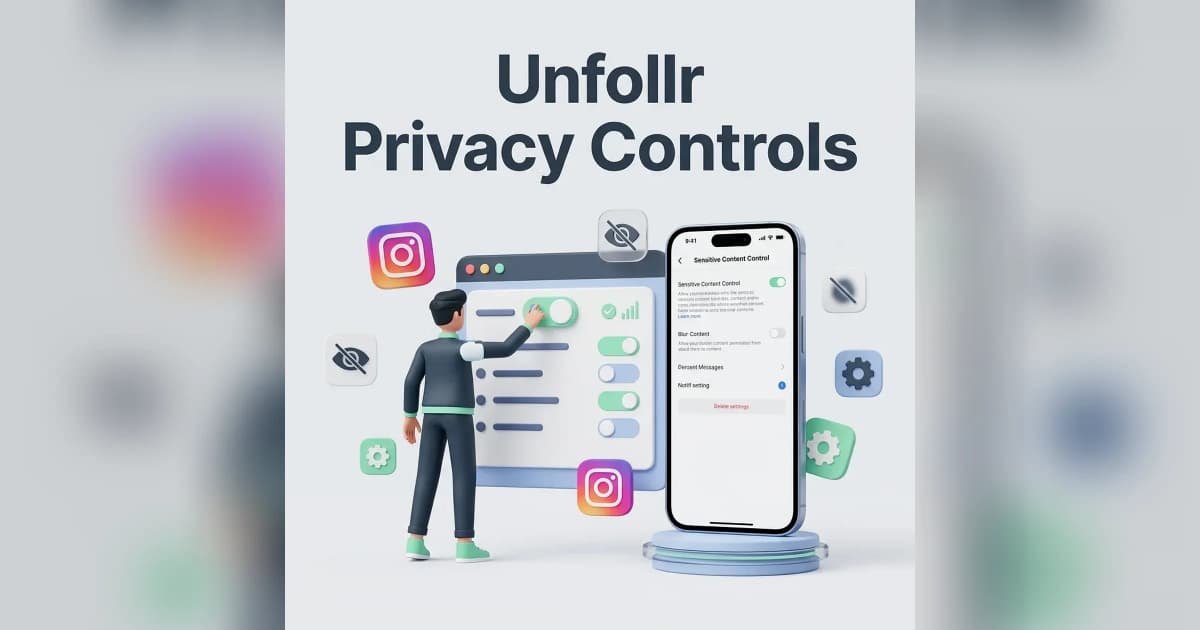
Instagram's sensitive content control in 2026 has three levels — Standard, Less, and More — and most users are stuck on Standard without realizing they can change it. The setting decides how much potentially sensitive content Instagram shows you in Explore, Reels, Search, and Suggested Posts, and switching it dramatically changes your feed quality.
This guide walks through what "sensitive" actually means to Instagram, the three levels, how to change them, and why creators and viewers should care.
What "Sensitive Content" Means to Instagram
Instagram defines sensitive content as posts that:
- Show partially clothed or sexually suggestive content (within community guidelines)
- Depict violence or graphic situations without violating rules
- Include regulated goods (alcohol, tobacco, supplements)
- Show dangerous or risky activities
- Focus on weight loss, diets, or appearance comparison
- Contain shocking or disturbing imagery
These posts don't violate Instagram's community guidelines outright — they're allowed on the platform. The sensitive content setting just decides whether you see them in algorithmic surfaces.
For posts that actually violate rules, see Instagram account suspended.
The Three Levels Explained
| Level | What You See | Default For |
|---|---|---|
| Less | Heavily filtered, almost no sensitive content | Teen accounts, family-mode |
| Standard | Moderate filtering — Instagram's default | Everyone over 18 |
| More | Minimal filtering, full algorithmic feed | Creators, marketers, researchers |
Less
The most restrictive option. Instagram aggressively filters out anything that might be sensitive — even content that's mildly suggestive, mildly violent, or about weight loss. Best for users who want a calm, safe feed.
Trade-off: you'll also miss legitimate creators in fitness, fashion, comedy, and news because Instagram's filter overshoots.
Standard
The default for adult accounts. Some sensitive content is allowed in Explore and Reels, but Instagram still filters out the most extreme examples. Most users never realize they're on this setting.
Trade-off: you might still see content you'd rather avoid, and you might miss content that's filtered.
More
Minimal filtering. Almost all sensitive content (within community guidelines) appears in your algorithmic surfaces. Useful for marketers who need to see what's trending in their niche, journalists, researchers, and creators studying competitors.
Trade-off: you'll see more of everything — including content you may find unpleasant.
How to Change Sensitive Content Settings
The setting is buried in the menu. Here's the path:
- Open Instagram and go to your profile
- Tap the menu button (three lines, top right)
- Tap Settings and privacy
- Tap Suggested content or Content preferences
- Tap Sensitive content control
- Choose Less, Standard, or More
The change takes effect immediately. You can switch between levels as often as you want.
Why You Might Not See "More"
Instagram restricts the More option if:
- You're under 18
- Your account is set to teen mode
- Your account was created recently
- Your region has stricter content rules (some EU countries)
Adult accounts in most countries can switch freely between all three levels.
What the Setting Does NOT Control
This setting only affects algorithmic surfaces — not what your followers post.
What's Affected
- Explore tab
- Reels tab
- Search results
- Suggested Posts (in feed)
- Suggested Reels (in Reels)
- Suggested Accounts
What's NOT Affected
- Posts from accounts you follow
- DMs and DM requests
- Stories from accounts you follow
- Posts you've directly searched for
- Accounts you visit by username
If you want to filter content from accounts you follow, you'll need to mute or unfollow them. See our Instagram mute vs block vs restrict guide.
Why Creators Should Care
Sensitive content settings don't just affect viewers — they affect how your content reaches viewers too.
If Your Content Gets Flagged "Sensitive"
Your posts might be hidden from people on Less or Standard, drastically cutting your reach. This is one of the most common causes of sudden reach drops in 2026.
For more on reach issues, see our Instagram reach dropped guide.
Common Triggers for Sensitive-Content Flagging
- Swimwear or lingerie photos, even non-sexual
- Workout content with skin exposure
- Diet or weight-loss messaging
- Alcohol in photos (drinks, bars, parties)
- Sponsored supplement content
- Depictions of dangerous activities (extreme sports)
- Combat content (boxing, MMA)
How to Tell If Your Content Was Flagged
Go to Settings > Account status. If Instagram has flagged your account or recent posts as sensitive, you'll see a notice there. You can request a review if you think the flag is wrong.
For tracking how flagging affects your reach, see our Instagram engagement rate calculator.
The Default Setting: A Privacy and Safety Compromise
Instagram defaults adult accounts to Standard because it's a balance between user experience and safety. But the default doesn't fit everyone:
When to Switch to Less
- You're sensitive to certain content (recovering from disordered eating, trauma, etc.)
- You share your phone with kids occasionally
- You want a calmer, less algorithmic feed
- You've been seeing too much suggestive or violent content lately
When to Switch to More
- You're a creator studying your niche
- You're a marketer or researcher
- You don't want Instagram filtering your discovery feed
- You've noticed Standard is too restrictive for legitimate content
Sensitive Content for Teens
Instagram automatically restricts sensitive content for teen accounts (under 18) to the Less level — and they cannot change it. This is a 2024-2026 policy change driven by regulatory pressure in the EU and US.
If a teen account tries to switch to Standard or More, the option is grayed out. Parents managing teen accounts via Family Center can verify this in their dashboard.
Privacy Implications
Changing your sensitive content setting does not send a signal to Instagram about your preferences in any tracking way. It's a local visibility filter, not a profiling tool.
That said, Instagram already infers your interests from your activity (likes, dwell time, follows). For full privacy hardening, see Instagram privacy settings.
Common Mistakes
Setting It and Forgetting It
Instagram doesn't remind you about this setting. People who set it years ago to Less may have outgrown that need but never went back to change it.
Confusing It With Restricted Mode
Sensitive content control is different from Restricted Mode (which is for muted/restricted users) and from the Hidden Words filter (which auto-hides comments containing certain phrases).
Expecting It to Block Specific Topics
The setting works on Instagram's broad sensitivity categories, not on user-defined topics. If you want to avoid politics, fitness, or finance content, you need to mute hashtags and accounts manually.
Assuming It Affects Stories
It doesn't. Stories from people you follow appear regardless. If a friend posts something sensitive in their Story, you'll see it.
How to Block Specific Content Types
If sensitive content control isn't enough, layer these tools:
Hidden Words
Settings > Privacy > Hidden Words — auto-hides comments and DMs containing keywords or phrases. Useful for filtering specific drama, slurs, or topics.
Mute Hashtags
When viewing a hashtag, tap the three-dot menu and select Don't show for this hashtag. Future content from that tag is downranked.
Not Interested
Long-press any post in Explore or suggested feed and tap Not interested. Instagram learns from these signals over time.
Mute Accounts
Mute is silent and doesn't unfollow. See Instagram mute vs block vs restrict.
Reference
For Instagram's official documentation, see the Instagram Help Center on sensitive content control.
FAQ
What does Instagram's sensitive content control actually do?
It filters how much potentially sensitive content (suggestive, violent, regulated goods) appears in Explore, Reels, Search, and Suggested Posts. It doesn't affect what you see from accounts you follow.
Where do I find sensitive content settings on Instagram?
Settings and privacy → Suggested content (or Content preferences) → Sensitive content control.
Why can't I change my sensitive content setting to More?
The "More" option is restricted for accounts under 18, teen-mode accounts, very new accounts, and users in regions with stricter content rules.
Will changing this setting affect my own reach?
No. The setting only affects what you see, not how your posts are distributed to others.
Does Less really filter all suggestive content?
It filters most, but Instagram's algorithm isn't perfect — some borderline content still slips through, while some legitimate fitness or fashion content gets over-filtered.
Is sensitive content the same as Restricted Mode?
No. Sensitive content control filters algorithmic surfaces. Restricted Mode (a different feature) limits what muted/restricted users can see. Hidden Words is a separate comment filter.