Instagram Account Suspended? How to Get It Back (2026)
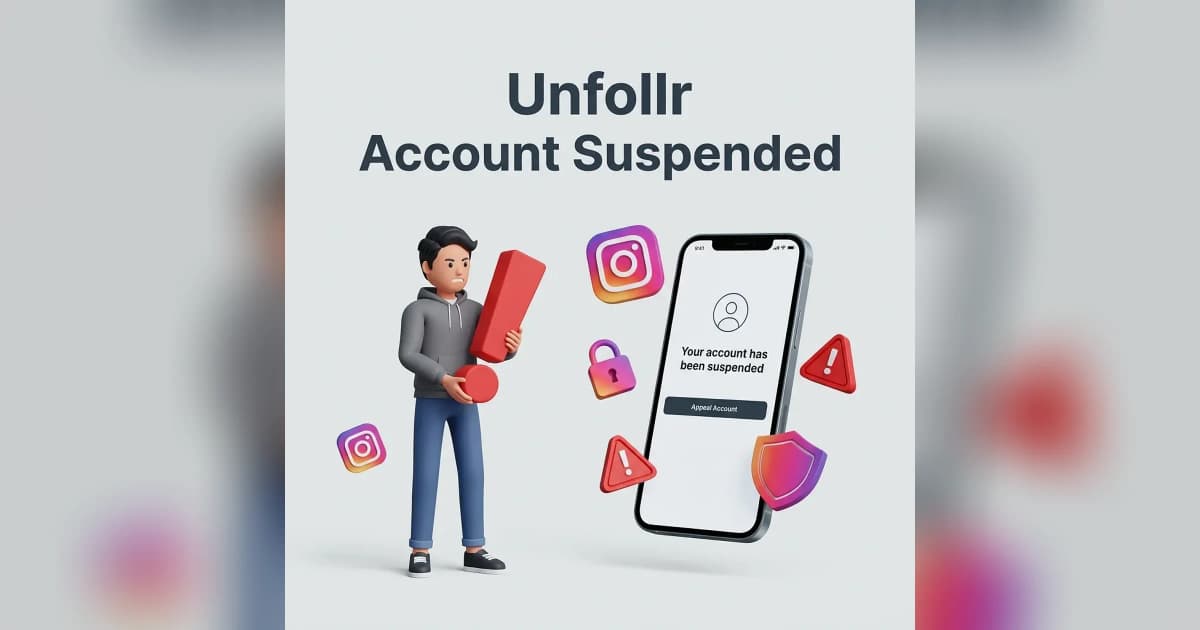
If your Instagram account was suspended in 2026, you usually have 30 days to appeal before the account is permanently deleted. The recovery process depends on whether the suspension is for a community-guidelines violation, suspected hacking, automated activity, or a billing issue — and the appeal route is different for each.
This guide walks through every type of suspension, how to identify which one hit you, and the exact appeal steps that work in 2026.
What "Suspended" Actually Means
"Suspended" is Instagram's umbrella term for several different states. Knowing which one you're in determines the recovery path.
The Five Suspension Types
| Type | What It Looks Like | Recovery Window |
|---|---|---|
| Disabled (community guidelines) | "Your account has been disabled" message | 30 days to appeal |
| Temporarily locked | "Your account is locked" — usually for security | Hours to days |
| Action-blocked | Specific actions blocked, account still works | 24-72 hours |
| Suspected hacked | Account login challenges, suspicious activity warnings | Immediate |
| Permanently banned | "We can't restore this account" | Often final |
The first step is figuring out which message you actually saw. The wording matters.
Why Instagram Suspends Accounts in 2026
Suspensions in 2026 happen for one of these reasons:
1. Community Guidelines Violations
Posting content that violates Instagram's community standards. The most common triggers:
- Hate speech, harassment, or threats
- Nudity or sexual content (Instagram's automated systems are strict)
- Misinformation flagged by third-party fact-checkers
- Self-harm or eating-disorder content
- Spam or scam content
- Impersonation of another person or brand
2. Automated Activity / Bot-Like Behavior
Instagram's anti-spam system suspends accounts that look like bots — even if you're a real person. Triggers include:
- Mass following or unfollowing past daily limits
- Using third-party automation apps
- Identical comments across many posts
- Too many actions in a short time window
For more on why automation gets flagged, see Instagram action blocked and Instagram unfollow limit per day.
3. Suspected Hacking
If Instagram detects logins from new devices, locations, or unusual patterns, it can lock the account as a precaution. This isn't really a "suspension" — it's a security freeze. Recovery usually just requires proving identity.
If you actually were hacked, see our hacked Instagram account recovery guide.
4. Repeated Reports
Even legitimate accounts can be suspended if many users report them in a short time. Instagram's systems treat clusters of reports as a signal — sometimes wrongly.
5. Billing Issues (Business Accounts)
Business accounts running ads can be suspended if billing fails or fraud is detected on the linked payment method.
Step 1: Identify Your Suspension Type
Open the Instagram app or visit instagram.com on a browser. Log in with your username and password.
You'll see one of these screens:
- "Your account has been disabled for violating our terms" → Community guidelines suspension
- "We've detected unusual activity" → Locked for security
- "Action blocked: try again later" → Temporary action block, not full suspension
- "Suspicious login activity" → Security freeze
- "We can't process your payment" → Billing issue
Take a screenshot of whatever you see. You may need it during the appeal.
Step 2: Submit the Right Appeal
The appeal form depends on the suspension type. Instagram uses different URLs for each.
For Disabled Accounts (Community Guidelines)
- Go to instagram.com/hacked or use the app's "Get help logging in" flow.
- Choose "My account was disabled".
- Enter the email or phone associated with the account.
- Submit a clear, calm explanation of why you believe the suspension was a mistake.
- Wait 24-72 hours for an automated review or human response.
If the first appeal fails, you can submit a second appeal with additional context. Be patient — Instagram processes thousands of appeals daily.
For Locked Accounts (Security)
- Open the app and try to log in.
- Instagram will prompt you with a security challenge — usually a code sent to your email or phone.
- Enter the code and follow the verification steps.
- If asked for ID, upload a clear photo of government-issued ID matching your account name.
ID verification usually resolves within 24 hours.
For Action Blocks (Temporary)
These resolve on their own. Stop using the account for 24-72 hours, then try again. See Instagram action blocked for the full recovery playbook.
For Suspected Hacking
- Visit instagram.com/hacked.
- Choose "My account was hacked".
- Verify identity through email, phone, or ID.
- Reset your password immediately.
- Enable two-factor authentication.
Full guide: hacked Instagram account recovery.
For Billing Issues
- Log in and visit your business settings.
- Update the payment method.
- Pay any outstanding ad balance.
- Submit a billing review request if the account doesn't auto-restore.
Step 3: What to Write in the Appeal
Don't beg, don't argue, don't get emotional. Instagram's reviewers handle thousands of appeals daily — clarity wins.
Appeal Template
Hello Instagram team,

My account @username was disabled on [date]. I believe this was a mistake because:

1. [Specific reason — e.g., I have not posted any content that violates community guidelines]
2. [Context — e.g., I run an educational account about X, with Y followers]
3. [Action taken — e.g., I have reviewed the community guidelines and would like a second review]

I have been on Instagram since [year] and rely on the account for [purpose].

Thank you for your time,
[Your real name]
What to Include
- Your real name
- The username
- The exact date of suspension
- A short, factual explanation
- What the account is for (creator, business, personal)
What NOT to Include
- Threats or anger
- Long emotional stories
- Multiple appeals in one day
- False claims (Instagram checks records)
- Demands for compensation
Step 4: Wait Strategically
Most appeals resolve in 1-7 days. Some take longer. Here's what to expect:
| Day | What's Happening |
|---|---|
| 0-2 | Automated system review |
| 2-7 | Human reviewer escalation if flagged |
| 7-14 | Second-tier review for edge cases |
| 14-30 | Final decision (restore or permanent delete) |
Don't submit multiple appeals in the same day — it slows your case down. One thoughtful appeal beats five panicked ones.
When the Appeal Fails
If Instagram rejects your appeal, you have a few options:
Option 1: Resubmit With New Information
If you have new context (proof of identity, screenshots showing the original content was non-violating, brand verification documents), submit a second appeal referencing the original.
Option 2: Use a Verified Channel
Verified accounts and Meta Business clients have access to direct support channels. If you have verification or run a Meta Business account, use the dedicated support form rather than the public appeal form.
Option 3: Accept and Rebuild
If the appeal is final, the account is gone. Don't try to game the system by creating duplicate accounts immediately — Instagram detects this and bans the new account too. Wait 30 days, then start fresh with new content and a clean strategy.
For information on Instagram's official policies, see the Instagram Community Guidelines.
How to Avoid Future Suspensions
Once you have your account back (or if you're trying to prevent suspension in the first place), follow these rules:
Stay Within Daily Limits
Instagram's anti-spam thresholds are aggressive. Stay under:
- 200 follows/day
- 150 unfollows/day
- 1,000 likes/day (spread across hours)
- 200 comments/day
For full breakdown, see our Instagram follow and unfollow limits guide.
Never Use Automation
No exception, no workaround, no "safe" automation tool. Instagram detects them all eventually.
Avoid Risky Content
If you post on borderline topics (politics, health, news), expect higher report rates and stricter moderation. Document your sources and avoid sensationalism.
Verify Your Account
If you qualify for verification, get verified. Verified accounts have higher trust scores and survive false-report waves more easily.
Lock Down Security
Two-factor authentication, strong passwords, and quarterly security reviews prevent the "suspected hacking" suspension type entirely.
What If You Were Wrongfully Suspended
False suspensions are common in 2026, especially for accounts in controversial niches. If you genuinely believe you did nothing wrong:
- Submit the appeal calmly with as much factual context as possible
- If you have a verified business account, escalate via Meta Business Help Center
- Use any media or industry connections you have (journalists sometimes get accounts restored faster than civilians)
- Be patient — wrongful-suspension cases take longer because they require human review
Don't accept defeat after one rejection. Persistent, polite appeals work more often than you'd expect.
If your suspension came after using a third-party "growth" or follower app, audit and remove those connections before reappealing — credential-based apps that demand your Instagram login are a leading cause of suspensions. A safer approach is a web app like Unfollr that works only from your official Instagram data export: it never asks for your password and never logs into your account, so there's nothing for Instagram to flag. It's a completely safe way to track followers and unfollowers — try a free, no-login follower check.
FAQ
How long do I have to appeal an Instagram suspension?
Usually 30 days from the suspension date. After 30 days, Instagram permanently deletes the account and recovery becomes impossible.
Can I get my Instagram account back after permanent deletion?
Once Instagram permanently deletes a disabled account, recovery is essentially impossible. The 30-day appeal window is your only real chance.
Why was my Instagram suspended for no reason?
Most "no reason" suspensions are caused by mass reports, automated false positives, or unusual activity that looked bot-like. Submit a clear appeal explaining why you believe it was a mistake.
How long does an Instagram appeal take?
Usually 1-7 days for an automated decision, up to 14-30 days if escalated to a human reviewer.
Can I create a new Instagram account if mine was banned?
Yes, but Instagram often detects duplicate accounts via device fingerprint and bans them too. Wait 30+ days and use a different device or fresh setup.
Will buying followers cause my account to be suspended?
Yes — Instagram regularly purges accounts caught buying followers. Even if not immediately suspended, your account loses trust score and visibility permanently.