Instagram Quiet Mode: Full Guide (2026)
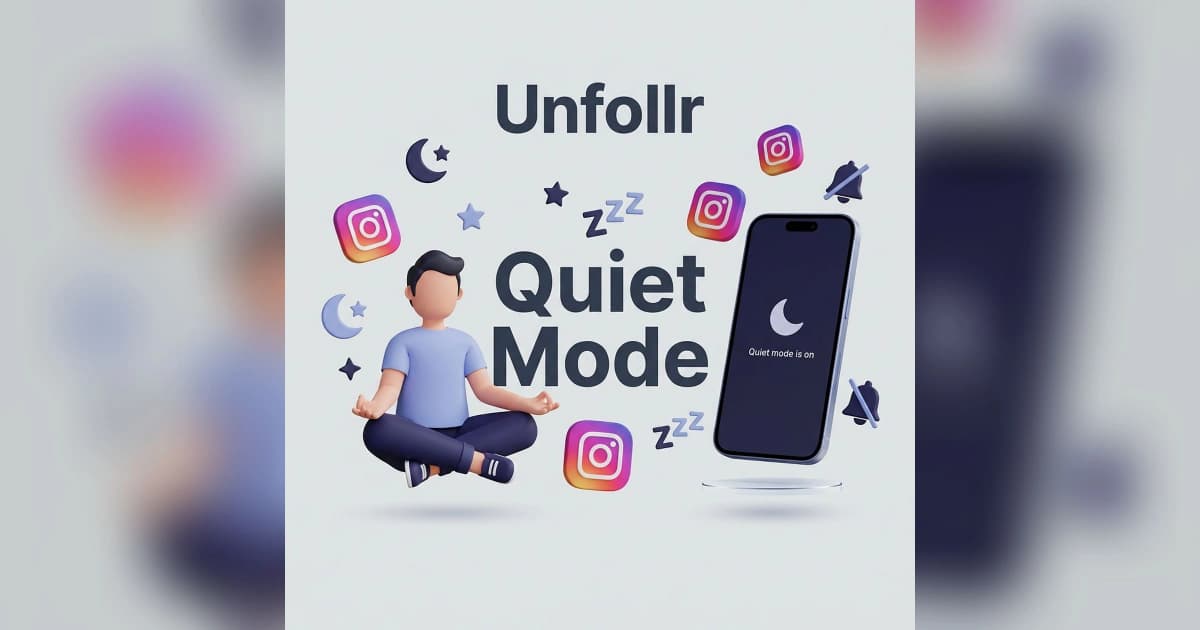
Instagram Quiet Mode in 2026 is a scheduled "do not disturb" state that pauses all push notifications, auto-replies to DMs with a status message, and shows an "in Quiet Mode" badge on your profile — without signing you out, affecting your reach, or hurting your algorithm standing. It's designed to let users take breaks from Instagram without losing momentum or worrying about missed messages.
This guide covers exactly what Quiet Mode does, who can turn it on, how to schedule it, the myths about it affecting reach, and why creators treat it as a mental health tool rather than a growth hack.
What Instagram Quiet Mode Actually Does
Quiet Mode launched in early 2023 as part of Meta's mental-health push, originally targeted at teen users. By 2026 it's available to all accounts globally and has grown into a full-featured break mode.
What Happens When Quiet Mode Is On
- Push notifications pause — no pings, no banners, no badge count updates
- DMs get an auto-reply — contacts who message you receive a "In Quiet Mode" status note
- Profile shows a badge — visitors see a small indicator that you're taking a break
- App icon stays in place — Quiet Mode doesn't remove Instagram from your home screen
- Your posts remain visible — Stories, Reels, and feed posts still publish and distribute normally
- Your reach is unaffected — the algorithm does NOT penalize Quiet Mode users
The mode is entirely about your experience, not your audience's. People can still see, like, comment, and follow you normally.
What Quiet Mode Does NOT Do
- Does not log you out
- Does not hide your profile from search
- Does not stop new followers from joining
- Does not pause scheduled posts
- Does not affect ads or monetization
- Does not hide your Stories or Reels
The feature is designed to be invisible in terms of impact — it only changes what you see, not what your audience sees.
Who Can Use Quiet Mode
Quiet Mode is available to all Instagram users in 2026, regardless of age or region. When it first launched, it was restricted to teen accounts in certain countries, but that limitation was removed in 2024.
Automatic Enrollment for Teens
Teen accounts (under 18) get automatic Quiet Mode prompts late at night. If a teen user scrolls past a certain time (usually 11 PM local), Instagram pops up a suggestion to enable Quiet Mode for the night.
Parents using Instagram's Family Center can enforce Quiet Mode for their teen's account. This is part of Meta's broader wellbeing initiatives for younger users.
Adult Users
Adults can enable Quiet Mode manually at any time. There are no prompts, no automatic triggers — it's entirely opt-in.
How to Turn On Quiet Mode
The setting lives in the notifications menu.
Manual Activation
- Go to your profile
- Tap the menu (three lines, top right)
- Tap Settings and privacy
- Tap Notifications
- Tap Quiet mode
- Toggle it on
- Optionally set a schedule
Quiet Mode turns on immediately and remains active until you turn it off manually or until the scheduled window ends.
Scheduled Quiet Mode
Rather than toggling it on and off, you can schedule recurring Quiet Mode windows:
- Daily sleep hours (e.g., 10 PM to 8 AM)
- Focus blocks (e.g., 9 AM to 12 PM during work)
- Weekend mornings (e.g., Saturday 6 AM to 10 AM)
The schedule repeats indefinitely until you change it. This is the most-used configuration — most people set a nightly window and forget about it.
Does Quiet Mode Hurt Your Reach?
This is the number-one question about Quiet Mode, and the answer matters.
No. Quiet Mode does not affect your reach, algorithm, or follower growth.
Why People Assume It Does
Some creators saw reach drops shortly after enabling Quiet Mode and blamed the feature. In every documented case, the drops were caused by something else:
- Natural Instagram reach fluctuations
- A coincidental algorithm update
- Reduced posting frequency during the break
- A shadowban unrelated to Quiet Mode
Instagram has publicly confirmed (and independent creator tests have verified) that Quiet Mode is reach-neutral. The algorithm treats a Quiet Mode user identically to an active user for distribution purposes.
What CAN Affect Your Reach During a Break
If you use Quiet Mode as part of a longer break and stop posting for days, your reach will drop — but that's the posting gap, not Quiet Mode itself. For the full picture, see our why did I lose followers on Instagram guide.
The Difference Between Quiet Mode, Mute, and Deactivate
Three very different things, often confused.
| Feature | What It Does | Who Notices |
|---|---|---|
| Quiet Mode | Pauses YOUR notifications | You (badge shows on profile) |
| Mute | Hides someone else's content from your feed | Nobody |
| Deactivate | Temporarily hides your entire account | Everyone — your profile disappears |
| Delete | Permanently removes your account | Everyone, permanently |
For mute specifically, see our Instagram mute vs block vs restrict guide. For account-level breaks, see our deactivate vs delete Instagram guide.
Quiet Mode is the lightest break option — your account stays fully functional, but the app stops demanding your attention.
Who Should Use Quiet Mode
Quiet Mode isn't for everyone. Here's when it's worth turning on.
You Should Use Quiet Mode If You:
- Scroll Instagram at bedtime and can't sleep
- Get anxious from constant DM notifications
- Need focus blocks during work or study
- Find yourself reflexively checking Instagram every few minutes
- Want a break without disabling your account entirely
You Probably Don't Need Quiet Mode If You:
- Already have phone-level Focus or Do Not Disturb modes working
- Rarely get Instagram notifications anyway
- Run a business account where DMs need immediate replies
- Already take full breaks from Instagram (via Deactivate)
A lot of users enable Quiet Mode once, forget about it, and never notice. That's not a failure — it just means the default notification volume wasn't bothering them.
The Mental Health Angle
Meta markets Quiet Mode as a wellbeing feature, and there's real research behind it. Studies on social media use show that notification frequency is a stronger predictor of compulsive checking behavior than actual content enjoyment. Reducing notifications doesn't just reduce interruptions — it retrains the dopamine response.
For users who feel they check Instagram "too much", Quiet Mode is often more effective than willpower alone. You can't respond to a notification that never arrives.
This matters for creators too. Many high-performing creators use scheduled Quiet Mode during their creative hours so they can actually focus on making content instead of reacting to incoming activity.
Can People Tell You're in Quiet Mode?
Yes, partially. Here's what visitors see.
What's Visible to Others
- A small "In Quiet Mode" badge on your profile
- An auto-reply to DMs saying you're in Quiet Mode
- No change to your posts, Stories, or reels
What's NOT Visible
- The exact time you'll be back
- Whether it's scheduled or manual
- Whether you're actually away or just ignoring notifications
The badge is subtle — most profile visitors don't notice it. The DM auto-reply is more obvious and sometimes confuses people who expect an immediate response.
For more on profile privacy, see our Instagram privacy settings guide.
Creator Strategy Around Quiet Mode
Creators have mixed feelings about Quiet Mode. Some use it religiously; others avoid it.
Arguments for Using It as a Creator
- Focus time for content creation without DM interruptions
- Better sleep leading to better content quality
- Reduced burnout from constant engagement demands
- Clear boundaries between creating and consuming
Arguments Against
- Some fans expect instant DM replies, and the auto-reply can feel cold
- The badge on your profile can feel unprofessional for business accounts
- Missing time-sensitive opportunities (brand deals, trending moments)
Most creators who use Quiet Mode limit it to sleep hours only and turn it off during daytime active hours. That balances wellbeing with responsiveness.
For how creators track audience health during and after breaks, see our Instagram engagement rate calculator guide. If you're worried about unfollows during a break, a tracker like Unfollr shows you exactly who dropped you and when — so you can tell whether the break cost you audience or whether it's just normal churn.
Common Misconceptions About Quiet Mode
"Quiet Mode hides my profile"
False. Your profile is fully visible and searchable. Only your notification behavior changes.
"Enabling Quiet Mode causes shadowbans"
False. Quiet Mode is reach-neutral. Shadowbans are caused by other behaviors — for the full list, see our Instagram shadowban guide.
"Quiet Mode stops my Reels from being distributed"
False. Reels distribute normally. Only your own notifications pause.
"Quiet Mode logs me out"
False. You stay logged in. When you open the app, everything works normally — you just won't have received pings in the interim.
"I need to pay for Quiet Mode"
False. It's a free feature available to all accounts.
How Quiet Mode Compares to Phone-Level Do Not Disturb
If you already use your phone's system-level Do Not Disturb or Focus mode, Quiet Mode may be redundant.
Where Quiet Mode Adds Value
- Per-app control — you can quiet Instagram without quieting other apps
- Auto-reply to DMs — phone DND doesn't do this
- Profile badge — visible signal to contacts
- Schedule independent of your phone — Instagram schedule can differ from phone schedule
Where Phone DND Wins
- Blocks notifications from ALL apps, not just Instagram
- System-level reliability — not dependent on Instagram's servers
- Works even if Instagram is uninstalled temporarily
For maximum effect, use both: phone DND for sleep hours and Instagram Quiet Mode for focus blocks during the day.
Reference
For Instagram's official documentation on Quiet Mode, see the Instagram Help Center on Quiet Mode. For Meta's wellbeing feature announcements, see the About Instagram blog.
FAQ
Does Instagram Quiet Mode affect my reach?
No. Quiet Mode is reach-neutral. Your posts distribute normally to followers and on the Explore page. The algorithm does not penalize Quiet Mode users.
Can people still message me while I'm in Quiet Mode?
Yes. DMs still arrive — you just don't get notifications about them. Senders receive an auto-reply saying you're in Quiet Mode.
Will people know I'm in Quiet Mode?
Partially. A small "In Quiet Mode" badge appears on your profile, and new DMs get an auto-reply. Most casual visitors don't notice the badge.
Can I schedule Instagram Quiet Mode?
Yes. Go to Settings → Notifications → Quiet mode and set a recurring daily window. The most common setup is a nightly sleep window.
Is Quiet Mode the same as Do Not Disturb on my phone?
No. Quiet Mode is Instagram-specific and adds features phone DND doesn't have (auto-DM replies, profile badge). You can use both together.
Does Quiet Mode stop my scheduled posts from going out?
No. Scheduled posts publish normally. Quiet Mode only affects what YOU see — it has no impact on what you post or what your audience sees.
Final Thoughts
Instagram Quiet Mode is one of the least-used useful features in the app. It solves a real problem (notification overload) without any real downside — no reach penalty, no account impact, no hassle to turn on or off. If you've been scrolling Instagram too close to bedtime or finding yourself reflexively checking it during work, a scheduled nightly Quiet Mode window is a simple fix worth trying.
For creators, the value is even higher: focus blocks without DM interruptions let you make better content, which is worth more than responding to every message the minute it arrives.