What Happens When You Block Someone on Twitter in 2026
What Happens When You Block Someone on Twitter in 2026
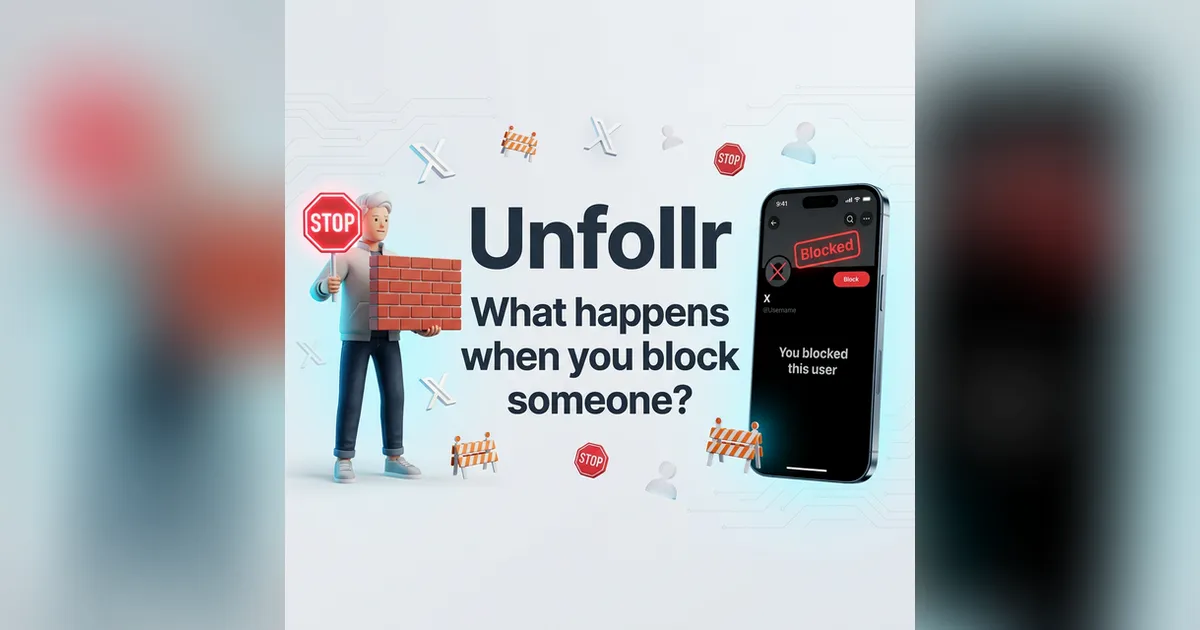
Blocking someone on X (formerly Twitter) is the platform's most powerful moderation tool — but many users don't fully understand what happens when you block someone on Twitter. Does it remove them as a follower? Can they still see your tweets? What about DMs?
This guide explains every consequence of blocking on X in 2026, compares it to muting and unfollowing, and helps you decide which option to use in different situations.
How to Block Someone on X
Before diving into the effects, here's how to do it (per X's official help page):
On Desktop or Mobile
- Go to the profile of the person you want to block
- Click/tap the three-dot menu (⋯)
- Select Block @username
- Confirm by clicking Block
You can also block directly from a tweet by clicking the three-dot menu on any of their tweets and selecting Block.
What Happens Immediately After Blocking
When you block someone on X, several things happen instantly:
1. They're Removed from Your Followers
The blocked account is automatically removed from your followers list. This is an important detail — blocking is the original method for forcing someone to unfollow you. If someone is harassing you or you simply don't want them following your account, blocking instantly severs that connection.
This is directly relevant to follower tracking. If you're monitoring your followers with Unfollr, a blocked account will show up as someone who "unfollowed" you in your next snapshot. Keep this in mind when reviewing your unfollower list — some "unfollowers" may be people you blocked, not people who chose to leave.
2. You Automatically Unfollow Them
If you were following the person you blocked, you'll automatically unfollow them too. The relationship is completely severed in both directions.
3. They Can't See Your Profile Content
The blocked person sees a message saying "You're blocked. You can't follow or see @yourusername's posts" when they visit your profile. They cannot:
- View your tweets (including replies and quote tweets)
- See your follower or following lists
- See your likes
- View your media tab
4. They Can't Interact with You
Blocked accounts cannot:
- Follow you — the follow button is disabled
- Like, reply to, or retweet your tweets — your tweets are invisible to them
- Send you DMs — the message button is disabled
- Mention you — they can type @yourusername, but it won't create a notification
- Add you to Lists — your account is invisible to their list management
5. You Can't See Their Content Either
Blocking is bidirectional. You also lose the ability to see the blocked person's tweets, profile, and activity. If you visit their profile, you'll see a notice that you've blocked them with an option to unblock.
What About Existing DMs?
This is one of the most common questions. When you block someone:
- Existing DMs are NOT deleted — both you and the blocked person can still see your past conversation
- No new messages can be sent — neither side can initiate or continue the conversation while the block is active
- If you unblock later, the old conversation reappears and new messages can be sent again
Does the Blocked Person Know?
X does not send a notification when you block someone. However, it's not a secret either. The blocked person can figure it out by:
- Visiting your profile and seeing the "You're blocked" message
- Searching for your account and finding it inaccessible
- Noticing they can no longer see your tweets in their feed
So while there's no alert, blocking is discoverable — unlike muting, which is completely invisible.
The Public Profile Workaround
Blocking has a significant limitation: if your account is public, the blocked person can still see your tweets by:
- Logging out and viewing your profile without an account
- Using a different account (including creating a new one)
- Using third-party services that display public tweet data
Blocking removes the person's in-platform access, but it cannot prevent a determined user from viewing public content. If you need true content privacy, you'll need to protect your posts (make your account private).
Block vs. Mute vs. Unfollow: Which to Use
These three actions serve different purposes. Here's a comparison:
| Action | They know? | Removes follower? | You see their content? | They see yours? | They can DM you? |
|---|---|---|---|---|---|
| Block | Can find out | ✅ Yes | ❌ No | ❌ No | ❌ No |
| Mute | Never | ❌ No | ❌ No (hidden from feed) | ✅ Yes | ✅ Yes |
| Unfollow | Can notice | ❌ No | ❌ No (not in feed) | ✅ Yes | ✅ Yes |
| Remove follower | Never | ✅ Yes | ✅ Yes (if you follow them) | ✅ Yes | ✅ Yes |
When to Block
- Harassment or abuse — block immediately, no hesitation
- Spam or bot accounts — blocking prevents future interaction
- Someone you want gone completely — severs all connection in both directions
When to Mute
- Annoying but not harmful accounts — you don't want to see their content but don't need to prevent interaction
- Avoiding social conflict — the person won't know they're muted, so there's no confrontation
- Temporary situations — muting during a heated discussion without burning bridges
When to Simply Unfollow
- Lost interest in their content — no conflict, just different interests now
- Cleaning up your feed — reducing noise from accounts you no longer engage with
- Improving your ratio — unfollowing non-followers to improve your follower-to-following ratio
When to Use "Remove Follower"
- Unwanted followers who aren't harmful — bots, spam accounts, or people you'd rather not have following you
- More subtle than blocking — they're removed without being blocked, so they can still see your public content and re-follow if they choose
- See our fake follower removal guide for handling bot followers specifically
The Soft Block Technique
"Soft blocking" means blocking and immediately unblocking someone. The result:
- Block → they're removed from your followers and you unfollow them
- Unblock → they can see your profile again and could re-follow, but the forced unfollow remains
This is a less aggressive alternative to a permanent block. The person is removed from your followers without being permanently blocked. They can re-follow if they choose, but most people (and bots) don't notice or bother.
When to soft block:
- You want to remove a follower without the hostility of a permanent block
- The person isn't harmful, just someone you'd prefer didn't follow you
- You're cleaning up your follower list and don't want permanent blocks
How Blocking Affects Your Follower Count
Every block removes one follower (if they were following you). If you go on a blocking spree — removing spam and bot accounts — your follower count will drop accordingly.
This is normal and healthy. Blocking 50 bot accounts means losing 50 followers on paper, but your engagement rate improves because those bots never engaged anyway.
If you notice unexpected follower drops and aren't sure whether they're from blocks, bot purges, or real unfollows, use Unfollr to track exactly who disappeared. Our guide on why you might lose followers covers all the common reasons.
Blocking and the Algorithm
Blocking has indirect effects on X's algorithm:
- Blocked accounts can't engage with your content — if a blocked person was a regular liker/replier, you lose that engagement signal
- Removing toxic followers improves your audience quality — the algorithm rewards accounts with engaged, genuine audiences
- Blocking spam/bots improves your engagement rate — same principle as removing fake followers
Managing Your Block List
Over time, your block list can grow long. To review it:
- Go to Settings and Privacy > Privacy and Safety > Mute and block
- Select Blocked accounts
- Review the list and unblock anyone you no longer need blocked
Periodically reviewing your block list is good hygiene — some accounts may have been suspended since you blocked them, and others may no longer be relevant.
FAQ
Can a blocked person quote tweet me?
No. Since they can't see your tweets, they can't quote tweet them. However, if someone else retweets your content, the blocked person might see the retweet (since they're viewing the retweeter's content, not yours directly). They still can't interact with it.
Does blocking delete our DM conversation?
No. The conversation remains visible to both parties. Neither side can send new messages while the block is active, but the history is preserved. If you unblock, the conversation resumes where it left off.
If I block and unblock someone (soft block), will they know?
They won't receive a notification. However, if they check their following list and notice they're no longer following you, they could figure it out. In practice, most people don't notice soft blocks.
Can I block someone who doesn't follow me?
Yes. Blocking works regardless of the follow relationship. Blocking a non-follower prevents them from viewing your content, mentioning you, or sending DMs.
Does blocking someone affect my followers who follow them?
No. Your mutual followers are unaffected. They can still see both your content and the blocked person's content. Blocking only affects the direct relationship between you and the blocked account.
Final Thoughts
Blocking on X is a powerful tool when used appropriately. It completely severs the connection — removing them as a follower, hiding your content from them, and preventing all interaction. For harassment and spam, don't hesitate to use it.
For less severe situations, consider muting (invisible to them, less confrontational) or removing followers (available via the three-dot menu). And for tracking how blocks and other changes affect your follower count, use Unfollr to keep a clear picture of your audience changes over time.