Threads vs Instagram Followers: Differences (2026)
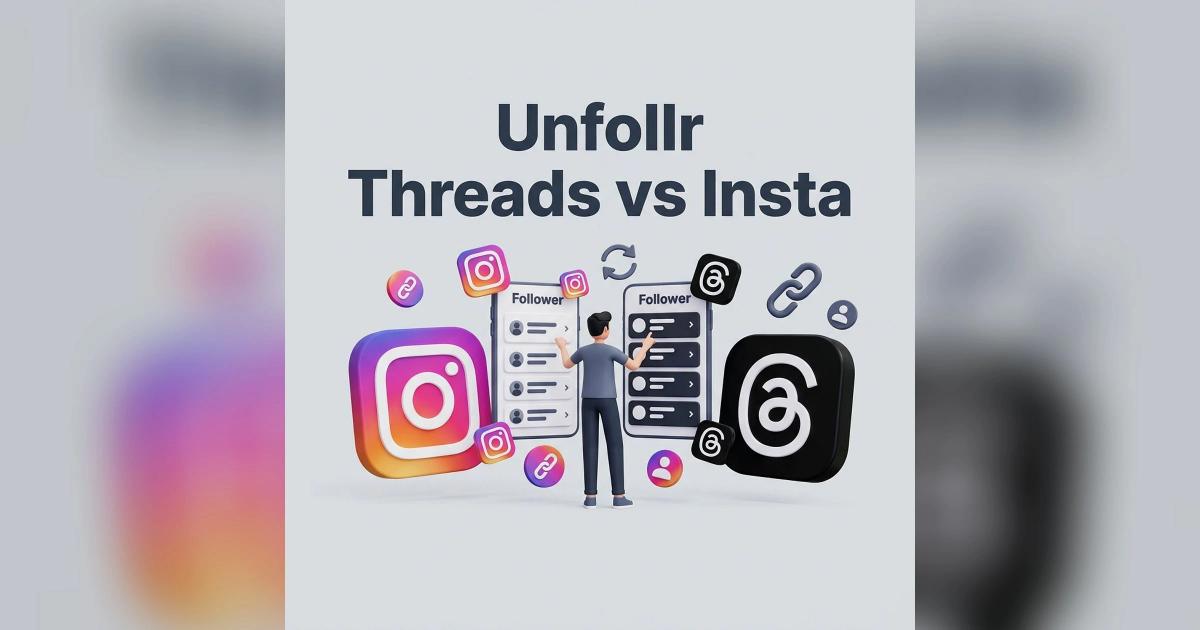
Threads and Instagram followers are not the same audience in 2026, even though Threads launched as Instagram's sister app. The two networks have separate follow graphs by default, and the only bridge between them is a one-time option to follow the accounts you already follow on Instagram. As of 2026, your Instagram follower count and Threads follower count will almost always differ — sometimes by huge margins. Understanding why matters for any creator trying to grow on both.
This guide covers exactly how Threads vs Instagram followers work, why the numbers don't match, and how to manage your audience across both apps.
The Short Answer
Threads and Instagram have separate follow graphs. Your Instagram followers don't automatically follow you on Threads. Your Threads followers don't automatically follow you on Instagram.
The exception is the follow import Threads has offered since launch: at signup you can follow the same accounts you follow on Instagram. It is your choice, it runs once, and Instagram follows you make later don't carry over.
How It Used to Work (2023)
When Threads launched in July 2023, Meta let users instantly follow everyone they followed on Instagram. Many creators saw their Threads count balloon to match their Instagram count overnight.
Why That Was Misleading
The auto-followed accounts often weren't actually engaged with Threads. They were ghost followers from day one — present on the follow graph but never logging in.
What Changed
Since launch, Meta has:
- Kept the follow import a one-time choice: new Instagram follows never copy over to Threads
- Added separate Threads-only follow recommendations
- Let people delete their Threads profile without deleting their Instagram account (since late 2023)
- Moved the Threads website from threads.net to threads.com (April 2025)
By 2026, the two follow graphs are largely independent.
Why the Numbers Don't Match
There are five reasons your Instagram and Threads follower counts will be different.
Reason 1: Separate Follow Graphs
Following someone on Instagram doesn't follow them on Threads. Following someone on Threads doesn't follow them on Instagram. Each action is local to that app.
Reason 2: Different Active User Bases
Many Instagram users never use Threads. Many Threads users use Instagram less actively. The overlap is incomplete.
Reason 3: Threads Bot Purges
Threads has had its own bot purges, removing accounts that signed up at launch and never came back.
Reason 4: Audience Migration
Some creators built engaged Threads audiences that don't overlap with their Instagram audience at all (especially text-first creators who bring readers from elsewhere).
Reason 5: Account Deletions on One Side
Users can delete their Threads account without deleting their Instagram account. They drop from your Threads followers but stay on Instagram.
Where to Check Each Count
Instagram Follower Count
- Mobile app → your profile
- Desktop instagram.com → your profile
- Insights → Audience
- Official data export
Threads Follower Count
- Threads app → your profile
- threads.com → your profile
- Threads Insights (limited)
- No standalone Threads data export — covered by Meta's combined export
Why They Differ
Threads and Instagram run on the same Meta backend but display follow data from different graphs. The numbers should not be compared like-for-like.
How to Sync Them (Mostly)
If you want your Instagram audience on Threads, here's the realistic path.
Path 1: Use the Instagram Follow Import
When you first sign up for Threads, Meta offers to follow the same accounts you follow on Instagram. Accept it during setup.
The one-tap import only runs at signup. Later, Threads can still show you a list of people you follow on Instagram so you can follow them one by one, but nothing syncs automatically.
Path 2: Promote Threads From Instagram
- Add a Threads link to your Instagram bio
- Mention Threads in Stories
- Cross-post Threads previews to Instagram
- Use the native "Share to Threads" option on Reels
Path 3: Build Threads Audience Independently
Don't try to mirror Instagram. Threads rewards different content (text-first, conversational, opinion-driven). Build a Threads-native audience instead.
Threads-Specific Audience Behavior
Threads follower behavior differs from Instagram in important ways.
Threads Is Text-First
Long captions, hot takes, and replies drive growth. Visual content matters less.
Engagement Is Faster
Threads users reply within minutes, not hours. Posts have shorter lifecycles.
Algorithmic Discovery Is Stronger
Threads pushes posts to non-followers more aggressively than Instagram. Going viral on Threads is easier than on Instagram.
Follower Quality Matters Less Initially
In Threads' early years, organic reach is generous. Even small accounts get distribution.
For more on Instagram-side audience behavior, see our how the Instagram algorithm works guide and our Instagram engagement rate calculator guide.
What to Do If Your Threads Count Dropped
If you saw a sudden drop in Threads followers, the cause is usually one of three things.
Cause 1: Threads Bot Purge
Like Instagram, Threads runs bot purges. Drops are sudden and proportional.
Cause 2: Inactive Account Cleanup
Threads accounts that haven't logged in for many months may be deactivated automatically.
Cause 3: Real Unfollows
Threads unfollows happen at higher rates than Instagram because the platform is younger and audiences are still finding their fit.
For broader follower-drop diagnosis, see our why did I lose followers on Instagram guide and our Instagram followers disappearing guide.
Should You Cross-Post?
Mixed answer.
Cross-Post If
- Your Instagram content has clear text potential
- You're building both audiences from scratch
- You want to test which platform fits your voice
- Time is your main constraint
Don't Cross-Post If
- Your Instagram content is highly visual
- Your Threads audience expects original opinion
- You'd lose engagement on both sides by diluting
The strongest creators on both platforms post different content tailored to each platform's strengths.
How Auditing Helps
If you have audiences on both Instagram and Threads, you need separate audit paths.
Instagram Audit
- Use the official data export for follower-level history
- Use Insights for aggregate trends
- Use a tracker like Unfollr for follower-level snapshots over time
Threads Audit
- Use Threads Insights (limited but improving)
- Manually scroll your followers list
- No third-party tracker is mature for Threads yet
Unfollr focuses specifically on Instagram audience health from your official Instagram data export. It shows your new followers, who unfollowed, who doesn't follow you back, your fans, and your mutuals — which lets you keep Instagram clean even while you build a separate Threads audience. No password, no scraping, no risk to either account.
For more, see our how to find inactive followers guide and our track Instagram follower growth over time guide.
Common Mistakes
Assuming the Counts Should Match
They shouldn't. Threads and Instagram are separate apps with separate audiences.
Buying Threads Followers
Even worse than buying Instagram followers because the platform is smaller and bot detection is more aggressive. For why, see our how to remove fake followers guide.
Treating Threads as Instagram-Lite
Threads has its own culture. Force-fitting Instagram content is the fastest way to fail there.
Ignoring Threads Entirely
Threads is now Meta's fastest-growing product. Skipping it leaves real audience growth on the table.
Confusing Followers with Engaged Audience
A 100K Threads count from 2023 auto-follow is much less valuable than 10K active Threads followers earned in 2026.
Reference
For Meta's official documentation on Threads, see the Threads Help Center. For broader transparency on Meta's products, see the Meta Transparency Center.
FAQ
Why are my Threads followers different from Instagram?
Threads and Instagram have separate follow graphs in 2026. Following someone on one app doesn't automatically follow them on the other (except for the one-time follow import at Threads signup). Audiences also overlap incompletely — many Instagram users don't use Threads.
Do Instagram followers automatically become Threads followers?
Only if you use the follow import when first creating your Threads account, and even then it copies who you follow, not who follows you. It doesn't apply to follows you make later.
Can I sync my Instagram and Threads followers later?
Not automatically. The one-tap follow import only runs at Threads signup. After that, you can follow people from your Instagram list one by one, grow your Threads audience independently, or promote Threads from Instagram.
Why did I lose Threads followers suddenly?
Most likely a Threads bot purge or inactive-account cleanup. Threads has been more aggressive than Instagram about removing accounts that never use the platform.
Do Instagram bot purges affect Threads?
Sometimes. Accounts removed from Instagram for severe policy violations may also be removed from Threads. Routine bot purges run separately.
Should I post the same content on Instagram and Threads?
Usually no. Threads rewards text-first conversational content. Instagram rewards visual content. Cross-posting works only when the content fits both formats naturally.
Final Thoughts
Threads vs Instagram followers is a comparison that doesn't really hold. The two apps have separate audiences, separate cultures, and separate growth dynamics. Treating them as one number is the fastest way to misunderstand both.
If you want to keep your Instagram audience clean and accurately tracked, a tool like Unfollr gives you follower-level history from your official Instagram data export. For Threads, you'll have to wait for the ecosystem to mature — but in the meantime, focusing on each platform's native strengths beats forcing a sync.