
Instagram Map Feature: Privacy Risks (2026)
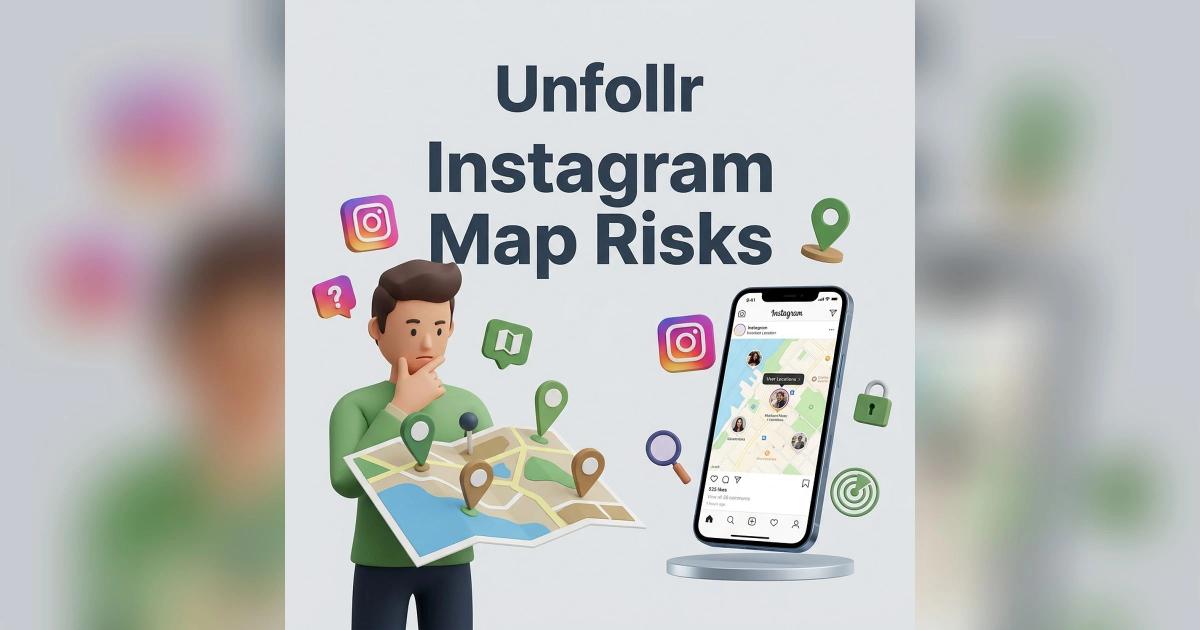
The Instagram Map feature launched in the US in August 2025 and has since rolled out more widely, letting users share their last active location with selected friends and see theirs on a shared map. It has real privacy risks — the most common mistake is enabling location sharing during onboarding and forgetting about it, leaving your location visible to everyone on your "approved" list indefinitely. Many users don't realize it's even active.
This guide covers exactly how the Instagram Map feature works, what the privacy risks are, and the exact steps to disable it or lock it down.
What the Instagram Map Feature Is
Instagram Map is a shared map view that shows where you and your selected friends are located. It was Meta's response to Snapchat's popular Snap Map feature.
What It Shows
- A map view with your own avatar pinned to your current location
- Avatars of friends who also share their location with you
- Last active timestamp per friend
- Tagged posts and Reels from public places you recently visited
- Stories tagged with a location appear as pins on the map
Who Can See Your Location
By default, nobody — Instagram Map requires active opt-in. Once you opt in, you choose from:
- Friends (followers you follow back)
- Close Friends
- Only these friends (a custom list you pick)
- No one (sharing off)
There's no "all followers" or "public" option. That's the one safe design decision Meta made.
The Real Privacy Risks
Even with opt-in design, the Map feature has several real risks.
Risk 1: Onboarding Confusion
When Instagram prompts users to try the Map feature, many tap "Allow" without reading carefully. They don't realize they've enabled ongoing location sharing.
Impact: Months of location data shared with a list they don't remember creating.
Risk 2: Forgotten Approved List
Users approve friends once and forget. An ex, a drifted friend, or an acquaintance you no longer trust can still be on your list years later.
Impact: Your location visible to people you wouldn't share with today.
Risk 3: Stalking Vectors
If an abusive ex or stalker is on your approved list, the Map gives them real-time tracking. Location on the map can be precise, so it can reveal home address, work, and routine.
Impact: Safety risk for vulnerable users.
Risk 4: Last Active Timestamps
Even when you're not actively sharing location, the "last active" timestamp reveals when you last used Instagram with location permissions. Combined with posting patterns, this is enough to infer your routine.
Risk 5: Data Retention
Instagram retains location data for algorithmic purposes even after you turn off sharing. How long is unclear. Meta's privacy policy gives wide latitude.
Risk 6: Tagged Location Posts
Even if you don't use the Map, your old posts tagged with locations still appear on friends' maps. Years of old Stories can reveal your travel history.
How to Check If You Have Map Sharing On
Most people don't know if they've enabled it. Here's how to check.
On iOS and Android
- Open Instagram
- Tap the DM / messages icon (top right)
- Tap Map at the top of your inbox
- Tap the settings icon in the top right of the map
- Check who can see your location: anything other than No one means sharing is ON
If you don't remember setting this up, you're not alone. Many users enabled it during an onboarding prompt they don't remember.
How to Disable Instagram Map Sharing
Full Disable (Recommended for Most Users)
- Open Instagram
- Open your messages, then tap Map at the top of the inbox
- Tap the settings icon in the top right
- Choose No one and tap Update
Your avatar is removed from the map for all friends immediately.
Limit to Close Friends Only
If you want to keep the feature but reduce risk:
- Open Map from your inbox and tap the settings icon
- Look at who can see your location
- Select Close Friends
- Make sure your Close Friends list is minimal and current
For more on Close Friends, see our Instagram close friends guide.
Remove Specific People
- Open Map from your inbox and tap the settings icon
- Choose Only these friends
- Untick anyone you no longer want to share with and save
Revoke Location Permission System-Wide
The nuclear option:
- iOS: Settings → Privacy & Security → Location Services → Instagram → Never
- Android: Settings → Apps → Instagram → Permissions → Location → Don't allow
This prevents Instagram from accessing location at all — Map, tagged posts, nearby suggestions, everything.
What Instagram Map Does NOT Show
To be fair, here's what the Map feature does not expose:
- Public strangers — only friends you approved
- Your follower list — Map is separate from followers
- DM content — Map doesn't read messages
The risks are real, but they're about who you've approved, not about public exposure.
Who Should Absolutely Disable the Map
- Minors (under 18)
- Public figures, journalists, activists
- Anyone with a stalker or abusive ex in their network
- People who post from home regularly
- Anyone unsure of who's on their approved list
- Users who enabled it by accident
If you're not sure, disable it. You can always re-enable later if you decide you want the feature.
How This Connects to Broader Privacy Hygiene
The Map feature is one of several "quietly enabled" settings that chip away at Instagram privacy. Here are the others worth auditing.
Audit Checklist
- Location sharing (Map) — covered in this guide
- Activity status — Settings → Privacy → Activity status
- Story sharing — Settings → Privacy → Story
- Tag permissions — Settings → Privacy → Tags
- Mention permissions — Settings → Privacy → Mentions
- Message requests — Settings → Privacy → Messages
- Account visibility (public vs. private)
Each of these defaults to "on" or "permissive" unless you change them. For the full audit, see our Instagram privacy settings guide.
The Data Side: What You Can Learn About Yourself
Instagram's data export shows you how much location data Meta has on you.
How to Request Your Data
- Settings → Account Center → Your information and permissions
- Tap Download your information
- Select All of your information → Location
- Submit
You'll get a file showing:
- Locations attached to posts and Stories
- IP-based location history
- Device location shared with Meta
- Any location data from Map feature usage
Reading this file is sobering for most users. Meta knows more about your movement patterns than you realize.
A tracker like Unfollr uses that same official data export for a much more limited and explicit purpose: tracking who follows you, who unfollowed, and who doesn't follow you back. It doesn't touch location data, doesn't scrape, doesn't ask for your password — it's the opposite of the Map feature's over-collection. For more on how the data export works, see our how to find inactive followers guide.
Safety Use Cases Where the Map Actually Helps
To be balanced, the Map has legitimate uses:
- Family with teens — parents and kids sharing locations explicitly
- Travel friends — coordinating in a new city
- Emergency situations — knowing where close friends are if something happens
- Close-knit friend groups who already share location via other apps
If you have one of these use cases, use the Map carefully. Audit your approved list monthly. Turn it off when not traveling.
Common Mistakes With the Map
Enabling During Onboarding Without Thinking
Instagram's Map prompts are designed to encourage opt-in. Always read carefully and tap "Not now" if you're unsure.
Forgetting the Approved List
Review your approved list quarterly. Remove anyone you haven't actively interacted with in 6 months.
Assuming It's Private Because It's Opt-In
The approved friends list is the attack surface. If any approved friend is compromised or malicious, your location is too.
Confusing Map Feature With Location Tags
Location tags in posts are separate from the Map feature. Tagged locations appear publicly on posts even if Map sharing is off. Disable location tagging per post if you're concerned.
Leaving Old Tagged Posts Up
Your post history can reveal where you've been. Consider archiving or deleting old location-tagged posts. For how, see our Instagram archive vs delete posts guide.
Reference
For Instagram's official documentation on the Map feature and location sharing, see the Instagram Help Center on location. For Meta's broader privacy transparency, see the Meta Transparency Center.
FAQ
What is the Instagram Map feature?
Instagram Map is a shared map view where you and selected friends can see each other's last active location. It launched in the US in August 2025 and has since rolled out more widely. It's opt-in and requires location permission.
Is the Instagram Map feature safe?
It's safer than Snapchat's Snap Map because it requires explicit approval per friend. But the main risks are forgotten approved lists, onboarding confusion, and stalking vectors through trusted contacts.
How do I turn off Instagram Map location sharing?
Open your messages, tap Map at the top of the inbox, tap the settings icon and choose No one. To fully revoke access, remove Instagram's location permission at the OS level in iOS or Android settings.
Who can see my Instagram Map location?
Only people you specifically approved. The feature does not allow public or all-followers sharing — you pick from Friends (followers you follow back), Close Friends, or a custom list of specific friends.
Does Instagram Map show my exact address?
It can come close. The map shows your last active location, and reports describe it as precise, so friends who see it can work out places like your home or work. Combined with your posts, it can also reveal your routine.
Can I see if someone is using the Instagram Map feature?
Only if they share their location with you. If they don't share, you don't see them on your map. You cannot tell if a friend has the feature enabled with other people.
Final Thoughts
Instagram Map is one of those features that's easy to enable and hard to remember. If you enabled it during an onboarding prompt six months ago and haven't thought about it since, you're currently sharing location with a list you don't remember creating. The five-minute fix is to open Map from your inbox, tap the settings icon, and either choose No one entirely or tighten the approved list to people you actively trust today.
More broadly, Instagram's privacy settings default to "more sharing" in most categories. A regular audit — Map, Activity status, Story privacy, tag permissions — is worth more than any single fix. And if you're tracking your audience for growth reasons, use safe tools built on the official data export like Unfollr instead of shady third-party apps that ask for credentials or scrape locations.