Instagram Unfollow Limit Per Day in 2026 (Real Numbers)
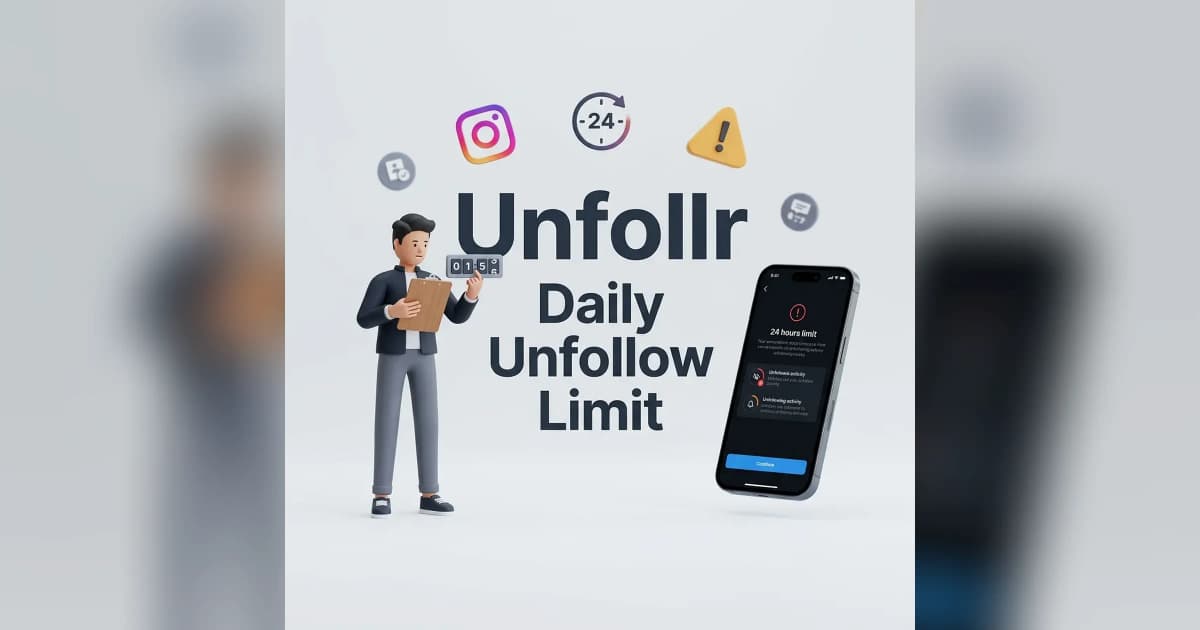
The Instagram unfollow limit per day in 2026 sits somewhere between 100 and 200 actions for most established accounts — but Instagram never publishes an exact number, and the real cap depends on your account age, trust score, and how fast you're clicking. Push past the threshold and you'll get hit with an action block within minutes.
If you're trying to clean up who you follow without losing your account, you need to know where the invisible line is. Here are the real 2026 numbers, the rules Instagram uses behind the scenes, and how to pace yourself safely.
What Is the Instagram Unfollow Limit Per Day?
Instagram enforces a soft daily cap on how many accounts you can unfollow in a 24-hour window. Unlike follow limits — which Instagram has hinted at publicly — the unfollow limit is entirely undocumented. Everything creators and researchers know comes from real-world testing and community reports.
Here's the working 2026 consensus for healthy, well-aged accounts:
| Account Type | Safe Daily Unfollows | Absolute Max Before Action Block |
|---|---|---|
| New account (< 6 months) | 30-50 | ~100 |
| Established (6-12 months) | 100-150 | ~200 |
| Mature (1+ years, trusted) | 150-200 | ~200-250 |
| Business/creator with history | 150-200 | ~200 |
These numbers are rolling — they reset gradually over 24 hours, not on a fixed calendar day. Instagram also counts unfollows alongside other actions like likes, comments, and follows against an overall "action budget."
For the broader picture of every Instagram threshold, see our Instagram follow and unfollow limits guide.
Why Instagram Limits Daily Unfollows
Instagram's anti-spam system was built to stop bot networks and follow-for-follow schemes. Mass unfollowing is one of the classic bot signals: an account that adds 500 follows today and drops them tomorrow is almost certainly using automation.
The system watches for a few patterns:
- Velocity — how many actions per minute, not just per day.
- Ratio — unfollows relative to total account size and normal activity.
- Consistency — sudden spikes look more suspicious than steady behavior.
- Device fingerprint — logging in from new devices or IPs tightens limits immediately.
The punishment is usually a temporary action block: a popup telling you that you can't perform this action right now. In worse cases, Instagram will block specific action types (follows, likes, comments) for hours or days.
For more on what happens when you trip the system, read Instagram action blocked: how to fix it.
How the Daily Limit Actually Works
The unfollow limit isn't a hard counter that resets at midnight. Instagram uses a rolling 24-hour window and a few overlapping rate buckets.
The Rolling Window
If you unfollow 100 accounts at 3pm today, that counts against your budget until 3pm tomorrow. You can't "reset" by waiting until midnight — the clock starts from each individual action.
The Hourly Sub-Limit
Even within a daily budget, Instagram caps bursts. Most testers report a hidden ceiling of ~30-40 unfollows per hour. Spread your unfollows across the day and you'll stay under every threshold. Burst 100 unfollows in ten minutes and you'll get blocked before you finish, even if your daily total is well below 200.
The Weekly Trust Score
Instagram also weighs your recent 7-day activity. Accounts that have had no action blocks in the past month get higher ceilings. Accounts that were recently flagged get punished harder on the next offense. It's a trust score that moves with your behavior.
Safe Pacing Rules for 2026
If you need to unfollow a large chunk of your following — say, after a follow-for-follow era or a bot purge — use these rules to stay safe.
- Start small. On day one, cap yourself at 50 unfollows regardless of account age. Watch for any warnings.
- Spread across hours. Aim for ~10 unfollows per session, with 30-60 minute breaks between sessions.
- Mix in real activity. Like a few posts, watch some Stories, comment occasionally. Pure unfollow sessions look robotic.
- Pause for 48 hours at any warning. If Instagram shows a "Try Again Later" or "Action Blocked" message, stop immediately.
- Never use automation. Third-party apps that mass-unfollow trigger bans fast. Stick to manual or approved data-export tools.
For a full workflow on cleaning your following list safely, see our mass unfollow on Instagram guide.
New Account vs Mature Account: Different Rules
Instagram treats new accounts with extreme suspicion. Here's why the same unfollow count can be fine for one account and fatal for another.
New Accounts (0-6 months)
New accounts have almost no trust score. Instagram's algorithm assumes anything new could be a spam account. Unfollow limits drop to 30-50 per day, sometimes less. Many new accounts get blocked after just 20-30 rapid unfollows.
Established Accounts (6-12 months)
After half a year of normal behavior, your trust score climbs. You can safely unfollow 100-150 per day without triggering the system, assuming you pace correctly.
Mature Accounts (1+ years)
Accounts older than a year with consistent activity get the most headroom — up to 150-200 unfollows per day. But mature accounts also have more to lose. Action blocks on long-standing accounts often come with stricter penalties.
What Counts Toward the Limit
Not every unfollow action is tracked equally. Here's what goes into the bucket:
- Tapping "Unfollow" in the following list → counts
- Tapping "Following" then "Unfollow" on a profile → counts
- Removing a follower (kicking someone off your list) → counts separately (separate ~150/day limit)
- Blocking → counts toward a different anti-harassment limit
- Muting → does NOT count (muting isn't unfollowing)
If you want to remove someone's content from your feed without triggering the unfollow counter, muting is the safe alternative.
Signs You're About to Hit the Limit
Instagram usually gives subtle warnings before a full block. Watch for:
- A delayed response when you tap "Unfollow" (2-3 second lag)
- A "Try Again Later" banner that disappears after a few seconds
- The unfollow button graying out briefly
- Feed content failing to refresh
If you see any of these, stop immediately. Continuing past a soft warning is the fastest way to a full 24-48 hour action block.
How to Recover from an Unfollow Action Block
If you've already been blocked, don't panic — most action blocks resolve on their own within 24-72 hours. Here's the recovery playbook:
- Stop all activity on the account for at least 24 hours. No follows, unfollows, likes, or comments.
- Log out and back in once after the cooldown. Don't force multiple logins.
- Don't use a VPN. Changing IP during a block makes things worse.
- Request a review from the action-block popup if Instagram offers the option. Be patient — reviews can take days.
- Avoid third-party apps during recovery. Any automated activity extends the block.
For a deeper recovery guide, read Instagram action blocked: how to fix it.
Tools That Respect the Unfollow Limit
The safest way to clean up your following list in 2026 is to use tools that work from Instagram's official data export instead of automating clicks in the app. Unfollr analyzes your follower and following lists from your Instagram data download and shows you exactly who to unfollow — without ever touching Instagram's API or triggering rate limits. You still unfollow manually, but you unfollow the right people instead of guessing.
If you're picking between tools, compare the leading options in our best Instagram unfollow tracker apps roundup.
FAQ
What is the exact Instagram unfollow limit per day in 2026? Instagram doesn't publish an official number. Community testing puts the safe limit at 100-150 unfollows per day for established accounts and 30-50 for new accounts, with hard caps around 200 per day.
Will I get banned for unfollowing too many people? You'll get a temporary action block first — usually 24-72 hours. Repeated offenses can escalate to a permanent ban, but a single overreach almost always results in just a cooldown.
Does the limit reset at midnight? No. Instagram uses a rolling 24-hour window. Each unfollow stays on your counter for 24 hours from the moment you did it.
Can I unfollow more if I wait between actions? Yes. Spacing out unfollows across hours (instead of bursting) raises your effective daily limit because you avoid the hourly sub-cap of ~30-40 per hour.
Do removing followers and unfollowing count the same? No — Instagram tracks them separately. You can remove up to ~150 followers per day even if you've hit your unfollow cap.
Is there a safe app to bypass the limit? No. Any app claiming to bypass Instagram's limits uses automation that violates Instagram's Terms of Use and puts your account at risk. Data-export tools like Unfollr identify accounts to unfollow, but you still need to unfollow manually within the limits.