
Deactivate vs Delete Twitter: Key Differences Explained in 2026
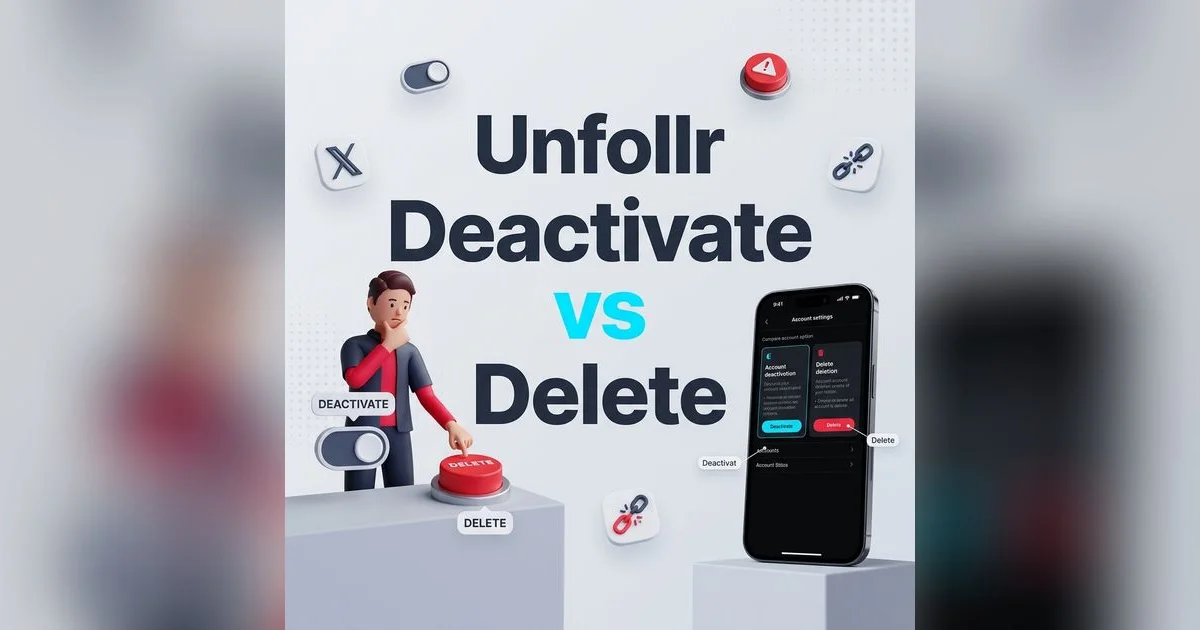
Deactivate vs Delete Twitter: What's the Difference?
Thinking about leaving Twitter/X but not sure whether to deactivate or delete? You're not alone. Many users assume deactivate Twitter vs delete are the same thing, but they're actually two very different actions with very different consequences for your data, your username, and your ability to come back.
Deactivation is a temporary pause. Deletion is permanent. Understanding the distinction before you act can save you from losing years of tweets, followers, and connections you might want later. This guide breaks down exactly what happens with each option, walks you through both processes step by step, and helps you decide which one makes sense for your situation.
Quick Comparison: Deactivate vs Delete Twitter Account
Here's a side-by-side breakdown of the key differences:
| Feature | Deactivate | Delete (Permanent) |
|---|---|---|
| Reversible? | Yes, within 30 days | No, after 30 days |
| Profile visible? | Hidden immediately | Hidden immediately |
| Tweets preserved? | Yes, restored on reactivation | Permanently removed |
| Followers preserved? | Yes, restored on reactivation | Permanently removed |
| DMs preserved? | Yes, on your end | Your side removed; other party may keep theirs |
| Username reserved? | Yes, during 30-day window | Released after permanent deletion |
| Data in X's systems? | Retained for 30 days | Purged after 30-day grace period |
| X Premium billing? | Continues unless canceled | Continues unless canceled |
The critical takeaway: both actions start the same way. When you click "Deactivate your account" on X, you enter a 30-day grace period. If you log back in during those 30 days, your account is restored. If you don't, X permanently deletes your account and all associated data.
What Happens When You Deactivate Your Twitter Account
Deactivation is designed as a temporary measure. Think of it as putting your account on ice. Here's exactly what happens:
Immediately after deactivation:
- Your profile, tweets, likes, and follower lists disappear from public view
- Your username shows as "This account doesn't exist" if anyone searches for it
- You're logged out of all devices and sessions
- Your data remains intact on X's servers
During the 30-day deactivation window:
- Your account data is fully preserved in X's systems
- Your username is reserved — no one else can claim it
- You can reactivate at any time by simply logging back in
- X Premium subscriptions continue billing unless you cancel separately
- Third-party apps connected to your account lose access
After 30 days with no login:
- X begins permanently deleting your data
- This triggers the same outcome as full account deletion
- The process is irreversible once it starts
Deactivation is ideal if you need a break but want to keep the door open. Maybe you're overwhelmed by the feed, dealing with a stressful period, or just want to step away without losing everything you've built. For more on managing your experience without going dark, check out the differences between muting and blocking on Twitter.
What Happens When You Delete Your Twitter Account
Here's the thing most people don't realize: there is no separate "delete" button on Twitter/X. The deletion process starts with deactivation. The difference is that you don't log back in during the 30-day window, which triggers permanent deletion.
Once permanent deletion begins:
- All your tweets, retweets, and quote tweets are removed from the platform
- Your profile information (username, bio, profile picture, header) is erased
- Your follower and following lists are permanently severed
- All likes, bookmarks, and Twitter Lists you created are gone
- Your username is eventually released back into the pool
What is NOT fully deleted:
- Other people's copies of your DMs — your side of conversations is removed, but the other person may still see messages in their inbox
- Cached search engine results — Google and other engines may show your tweets for weeks or months until caches expire
- Screenshots and web archives — content captured by others or the Wayback Machine exists independently
- Third-party app data — services you authorized may have stored copies of your tweets or profile information
If you're certain you want to leave permanently, our detailed guide on how to delete your Twitter account covers every step for desktop and mobile, including how to handle suspended accounts.
How to Deactivate Your Twitter Account (Step by Step)
The deactivation process is identical on desktop and mobile:
On desktop (x.com):
- Log in to your account at x.com
- Click More in the left sidebar
- Go to Settings and Support > Settings and privacy
- Select Your account
- Click Deactivate your account
- Review the information about what deactivation means
- Click Deactivate at the bottom of the page
- Enter your password to confirm
- Click Deactivate one final time
On mobile (iOS & Android):
- Open the X (Twitter) app
- Tap your profile icon in the top-left corner
- Go to Settings and Support > Settings and privacy
- Tap Your account
- Tap Deactivate your account
- Review the deactivation details
- Tap Deactivate, enter your password, and confirm
You'll be logged out immediately after confirming. Your account is now deactivated but not yet deleted.
How to Permanently Delete Your Twitter Account
Since there's no separate delete button, permanent deletion is a two-part process:
- Deactivate your account following the steps above
- Do not log in for 30 days — this is the critical part
That's it. After 30 days without a login, X begins the permanent deletion process automatically. There is no confirmation email, no additional button to click, and no way to reverse it once it starts.
Common mistake: Many people deactivate their account intending to delete it, then log back in a few days later "just to check on something." This immediately reactivates the account and resets the 30-day countdown. If you're committed to deletion, remove the X app from your devices and log out of all browsers to avoid accidental reactivation.
How to Reactivate Your Twitter Account After Deactivation
Changed your mind? Reactivation is straightforward — as long as you're within the 30-day window:
- Go to x.com or open the X app
- Log in with your username (or email/phone) and password
- You'll see a prompt asking if you want to reactivate your account
- Click or tap Yes, reactivate
Your account will be restored with all your tweets, followers, likes, and data intact. It may take a few hours for your full follower count and tweet history to reappear, but everything comes back.
Important notes on reactivation:
- You must use the same login credentials you had before deactivation
- If you forgot your password, the password reset flow still works during the 30-day window
- Reactivation is not possible after 30 days — once permanent deletion starts, your account is gone
- If your follower count looks off after reactivating, give it 24-48 hours to fully sync
What to Do Before Deactivating or Deleting
Whether you're deactivating temporarily or deleting for good, take these steps first:
Download Your Data Archive
Go to Settings and privacy > Your account > Download an archive of your data. Request the archive, wait for X to prepare it (up to 48 hours), then download the ZIP file. This includes your tweets, DMs, likes, follower lists, media, and profile data.
Request the archive well before you plan to deactivate. You won't be able to request a new one after deactivation begins.
Save Your Follower List
Your followers represent relationships you may want to rebuild later. Use Unfollr to take a snapshot of your follower and following lists before you deactivate. This is especially valuable if you plan to create a new account and want to reconnect with the people who mattered most.
Update Linked Accounts and Logins
If you use "Sign in with Twitter" for other services (Spotify, Medium, GitHub, etc.), update those login methods before deactivating. Otherwise, you may lose access to those accounts entirely.
Cancel X Premium
Deactivating your account does not automatically cancel your X Premium subscription. If you subscribed through Apple's App Store or Google Play, cancel through the respective store. If you subscribed directly through X, cancel it in your account settings before deactivating.
Inform Your Followers
If you've built an audience, consider posting about your departure. Let people know where they can find you — whether that's another platform, a newsletter, or a personal website. A brief farewell post goes a long way.
Revoke Third-Party App Access
Navigate to Settings > Security and account access > Apps and sessions > Connected apps and revoke access for all connected applications. This prevents third-party services from retaining access tokens tied to your account.
Alternatives: Taking a Break Without Deactivating
Not sure if leaving is the right call? There are several ways to step back from Twitter without deactivating or deleting your account.
Mute Keywords and Accounts
You can mute specific words, phrases, hashtags, and accounts to clean up your timeline without unfollowing anyone. This is a low-stakes way to reduce noise. Our guide on muting vs blocking on Twitter explains the differences and when to use each.
Lock Your Account (Go Private)
Switching to a protected account means only approved followers can see your tweets. This gives you space while keeping your history intact. Check our Twitter privacy settings guide for a full walkthrough.
Clean Up Your Account
Sometimes the urge to leave comes from a messy, overwhelming feed rather than a genuine desire to quit the platform. Instead of deactivating, try cleaning up your Twitter account — unfollow inactive accounts, remove people who don't follow you back, and trim the dead weight.
You can use Unfollr to quickly identify who doesn't follow you back on Twitter and mass unfollow on X in bulk. A cleaner following list often makes the entire platform feel usable again.
Log Out and Delete the App
The simplest break of all: just stop using it. Log out of the web version, delete the app from your phone, and walk away. Your account stays exactly as it is, and you can come back whenever you want with zero consequences.
When Should You Deactivate vs When Should You Delete?
Here's a quick framework to help you decide:
Choose deactivation if:
- You want a temporary break from the platform
- You're not sure whether you'll want to come back
- You want to preserve your followers, tweets, and username
- You need time to think about a more permanent decision
- You're dealing with burnout or information overload
Choose deletion if:
- You're certain you won't return to the platform
- Privacy is a major concern and you want your data removed
- You've already downloaded everything you need
- You're moving to a different platform permanently
- You want a completely fresh start with a new account later
Consider neither if:
- Your real issue is a noisy feed or too many irrelevant follows — cleaning up your account may fix this
- You're being harassed by specific users — blocking and reporting is more effective than leaving
- You're worried about privacy settings — adjusting your Twitter privacy settings may address your concerns without losing your account
Frequently Asked Questions
Is deactivating the same as deleting on Twitter?
No. Deactivation is temporary and reversible within 30 days. Your data is preserved and your account can be fully restored by logging back in. Deletion only happens after the 30-day deactivation period expires without a login — at that point, it becomes permanent and irreversible.
Can I deactivate my Twitter account and keep my username?
Yes, your username is reserved during the 30-day deactivation period. No one else can register it while your account is deactivated. However, if you let the account proceed to permanent deletion, your username is eventually released and someone else could claim it.
How long can I keep my Twitter account deactivated?
You have a maximum of 30 days. If you don't log back in within 30 days, X will permanently delete your account. There is no way to extend this window. If you want a longer break, consider locking your account or simply logging out instead of deactivating.
Will I lose my followers if I deactivate Twitter?
Not if you reactivate within 30 days. Your followers, following list, tweets, likes, and all other data are preserved during the deactivation period and restored when you log back in. It may take a few hours for follower counts to fully sync after reactivation.
Can I deactivate Twitter on my phone?
Yes. The deactivation process is available in the X app on both iOS and Android. Go to Settings and Support > Settings and privacy > Your account > Deactivate your account. The process and the 30-day grace period are identical to the desktop version.
Does deactivating Twitter stop X Premium charges?
No. Deactivating your account does not cancel your X Premium subscription. You must cancel it separately — through the Apple App Store, Google Play Store, or X's payment settings, depending on how you originally subscribed. If you don't cancel, you'll continue to be charged even while deactivated.
Final Thoughts
The decision to deactivate or delete your Twitter account comes down to one question: do you want the option to come back?
If the answer is "maybe," deactivate. You get up to 30 days to decide, and everything is preserved if you choose to return. If the answer is "definitely not," go through with the full deletion — but make sure you've downloaded your data, saved your follower list, updated your linked accounts, and canceled any subscriptions first.
And if you're leaving because your feed has become unusable or your account feels cluttered, consider whether a thorough account cleanup or a mass unfollow might solve the problem without losing everything you've built. Sometimes a fresh timeline is all you really need.