How to See Who Blocked Me on Twitter/X in 2026
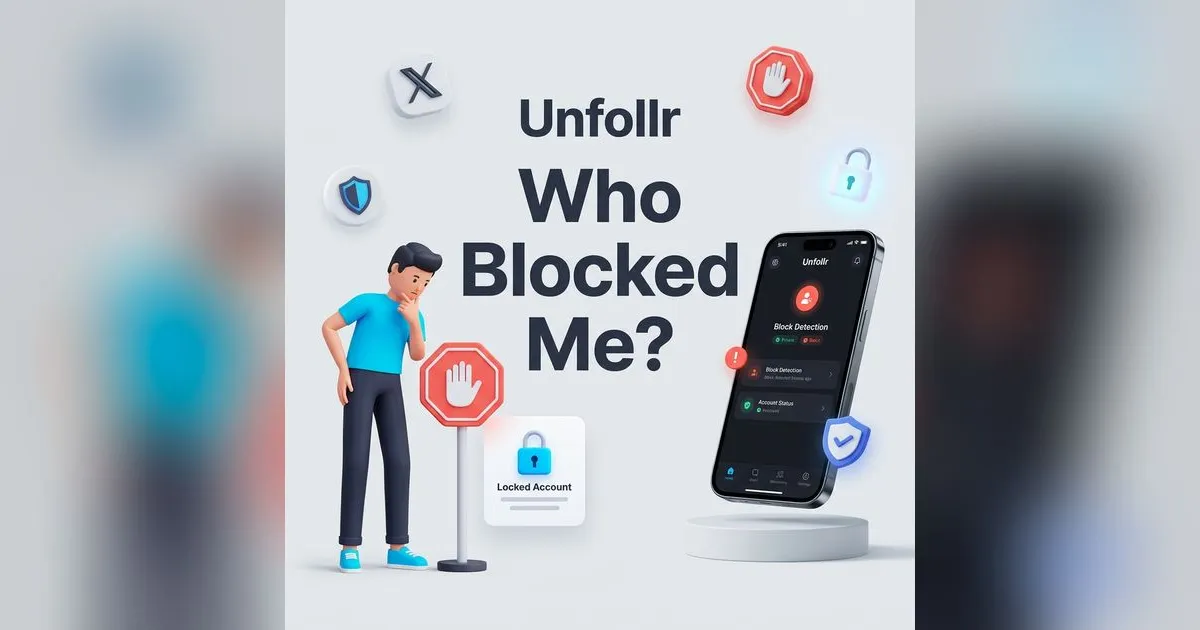
It's a frustrating question with a blunt answer. There is no list that shows who blocked me on Twitter/X — the platform never reveals it, and any app claiming to is a scam. But X does leave clear, confirmable signs when a specific person has blocked you, and this guide shows you exactly how to read them.
We'll cover what happens when someone blocks you, how to confirm a block on a specific account, why there's no master "who blocked me" list, and how to handle it.
The Short Answer: Can You See Who Blocked You on X?
No — not as a list. X does not notify you when someone blocks you, and there is no screen anywhere that compiles everyone who has. The platform treats blocking as a private safety tool, the same philosophy behind hiding who viewed your profile.
What you can do is check whether a specific account has blocked you. If you have a suspicion about one person, you can confirm it in under a minute.
What Happens When Someone Blocks You on X
When an account blocks you, several things change at once. X's own blocking and unblocking guide describes the mechanics; here's what you'll actually notice from the outside:
- Visiting their profile shows a block notice. Since late 2024, for a public account it reads like "You can view public posts from @username, but you are blocked from engaging with them." For a protected account it still says "You're blocked."
- You can't follow them — the button is gone or errors.
- You can't like, reply to, or repost their posts. You can still read a public account's posts, but you can't interact with them.
- You can't send them a DM, and old DMs may disappear from view.
- They vanish from your followers/following if either of you followed the other.
You receive no alert for any of this. The change is silent — you only notice if you go looking.
How to Confirm a Specific Person Blocked You
If you suspect one account, run these checks in order.
1. Visit their profile directly
Search their exact handle and open the profile. If you see the block notice ("you are blocked from engaging" on a public account, "You're blocked" on a protected one), that's a definitive confirmation. If the profile loads normally with a Follow button, you're not blocked.
2. Rule out other explanations
A profile you can't see isn't always a block. It could be:
- A deactivated or suspended account — shows "This account doesn't exist" or a suspension notice, not a block notice.
- A protected (private) account — you'll see a locked profile with "These posts are protected," not a block message.
- A muted account — muting doesn't hide their profile from you; it only removes them from your timeline.
The wording on the profile screen is the tell: only a real block tells you that you're blocked.
3. Confirm with a logged-out check
Open the same profile in a private/incognito window while logged out. If the profile shows a normal Follow button logged out but a block notice on your main account, the block is confirmed. (Don't use a second account you own to evade a block — that can violate the X Rules.)
Why There's No "Who Blocked Me" List
X deliberately keeps blocking one-directional and private. A master list of everyone who blocked you would:
- Enable retaliation and harassment toward the blocker.
- Defeat the entire purpose of blocking as a safety tool.
- Expose private moderation decisions people make about their own space.
So the data simply isn't surfaced — not in the app, and not through X's developer platform, which exposes no "blocked by" endpoint. If the official API can't return it, no third-party tool can either.
"Who Blocked Me" Apps Are Scams
Search any app store for "who blocked me on Twitter" and you'll find apps promising a full list. They can't deliver it, because the data doesn't exist. Here's the typical playbook:
- The app asks you to log in with your X password or authorize OAuth access.
- It invents a "blockers" list from random accounts or people who recently unfollowed you.
- The "real results" sit behind a subscription or survey wall.
- Worst case: your credentials are stolen, your account spams others, and X suspends you for suspicious activity.
If you've ever connected one, revoke it under Settings → Security and account access → Apps and sessions, following X's guide on connecting and revoking third-party app access.
Did They Block Me, or Soft-Block Me?
There's a quieter cousin of the block that fools a lot of people: the soft block. Someone blocks you and then immediately unblocks you. The block-then-unblock sequence silently forces you to unfollow them, but afterward there's no block notice — their profile looks completely normal again.
So if you suddenly stopped following an account you're sure you followed, and their profile still loads fine, you weren't hard-blocked — you were likely soft-blocked (or removed via the native "Remove this follower" tool, which does the same thing without the block round-trip). Both are silent and send no notification. The practical difference: after a hard block you can't re-follow; after a soft block or removal you simply can, because nothing is actually blocking you anymore.
Blocked vs Unfollowed: Know the Difference
Often what feels like a block is really just an unfollow — the person is still visible, they just stopped following you. That's a completely different (and more common) situation, and you can track it precisely. A browser extension like Unfollr reads your follower list from the X page open in your own browser session — no password, no OAuth — and shows exactly who unfollowed you between snapshots. If you're really asking "who dropped me," start with how to see who unfollowed you on X/Twitter rather than hunting for blocks.
What to Do If Someone Blocked You
Honestly? Usually nothing. A block is that person's choice about their own space, and the healthiest response is to respect it and move on. Do not:
- Create a second account to view or contact them — it can breach the X Rules.
- Pressure them through mutual friends.
- Repeatedly check the profile hoping it changes.
If a block is cutting off something genuinely important (a work contact, say), reach out through another channel — not by evading the block.
FAQ
Can I see a list of everyone who blocked me on Twitter/X?
No. X never provides a "who blocked me" list, on any account type. You can only confirm whether one specific account has blocked you.
Does X notify you when someone blocks you?
No. Blocking is silent. You only find out by visiting the person's profile and seeing the block notice.
How can I tell if someone blocked me or just deactivated?
Check the profile wording. A block tells you that you're blocked from engaging (or "You're blocked" on a protected account). A gone account says "This account doesn't exist." A private account shows a locked "These posts are protected" screen.
Are "who blocked me on Twitter" apps real?
No. The data doesn't exist, so every such app fabricates results — and many steal your login credentials and violate the X Rules.
Can I see someone's profile if they blocked me?
Partly. Since late 2024, X lets blocked users read a public account's posts and profile, but not follow, reply, like, repost, or DM. A protected account stays hidden. Using another account to evade a block can violate X's rules.